
· DNS & Domains · 2 min read
How to set up domain pointers
Learn how to set up domain pointers (aliases) in DirectAdmin so multiple domains point to the same website.

Domain pointers allow you to have multiple domain names all pointing to the same website. This is useful if you own several variations of your domain name and want them all to reach your main site.
Prerequisite: You need an active web hosting plan with DuelHost.
Step-by-step guide
Step 1: Log in to DirectAdmin
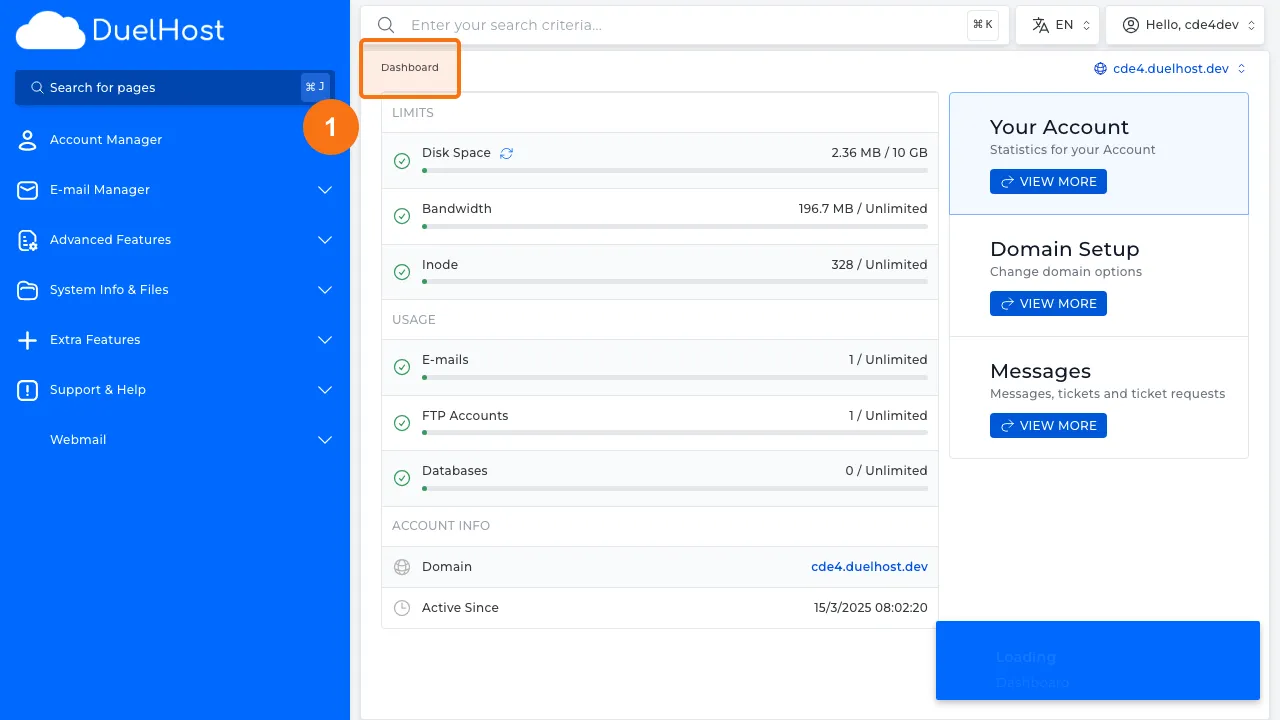
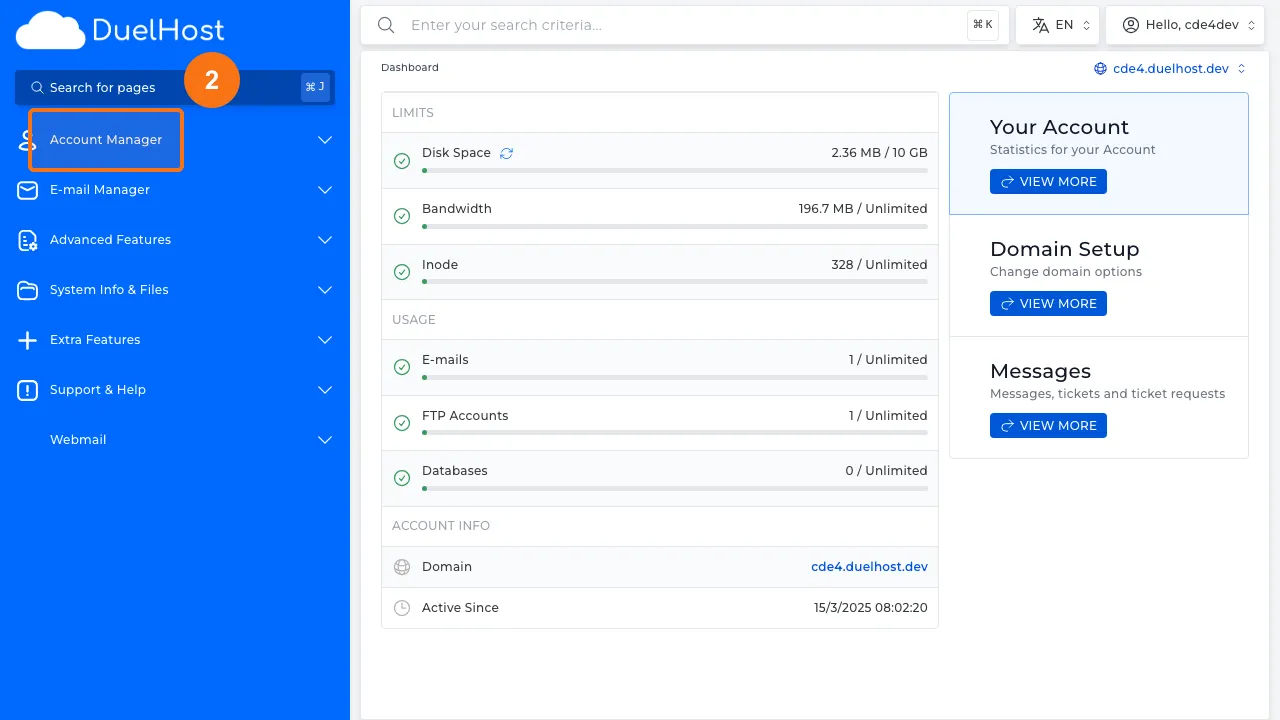
Step 2: Click “Account Manager” in the sidebar
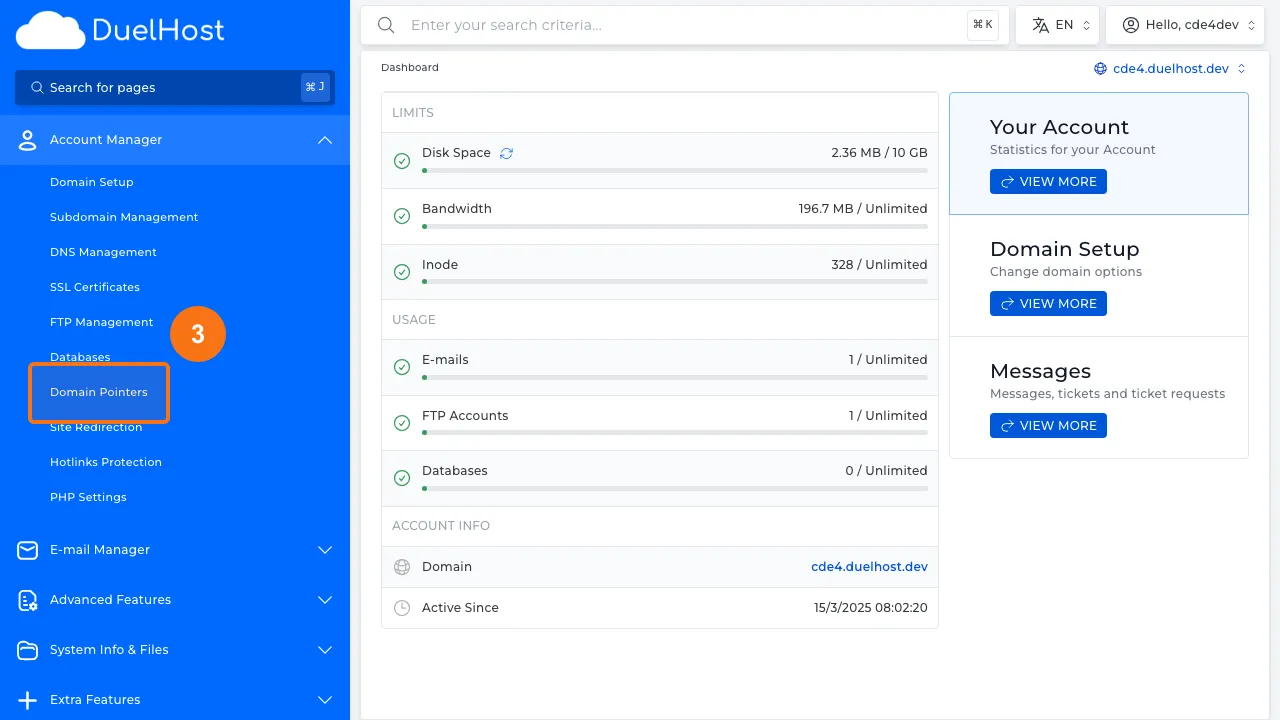
Step 3: Click “Domain Pointers” to view domain pointers
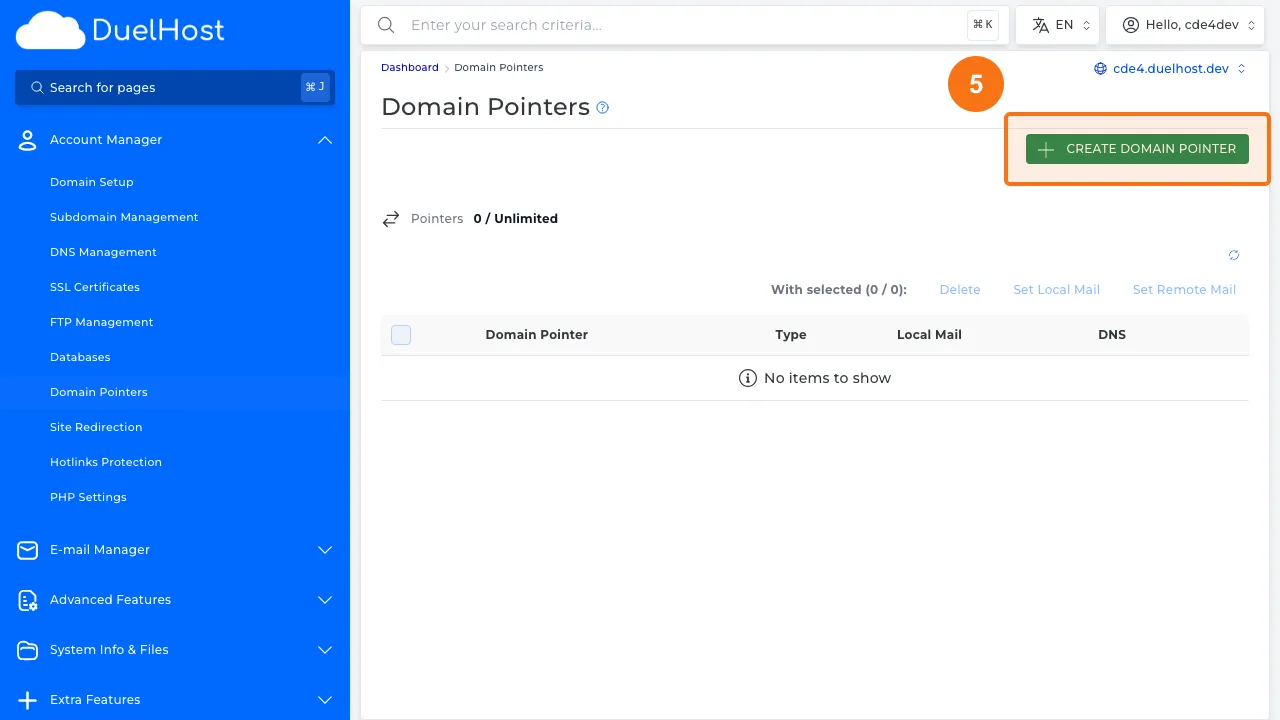
Step 4: View the domain pointer overview
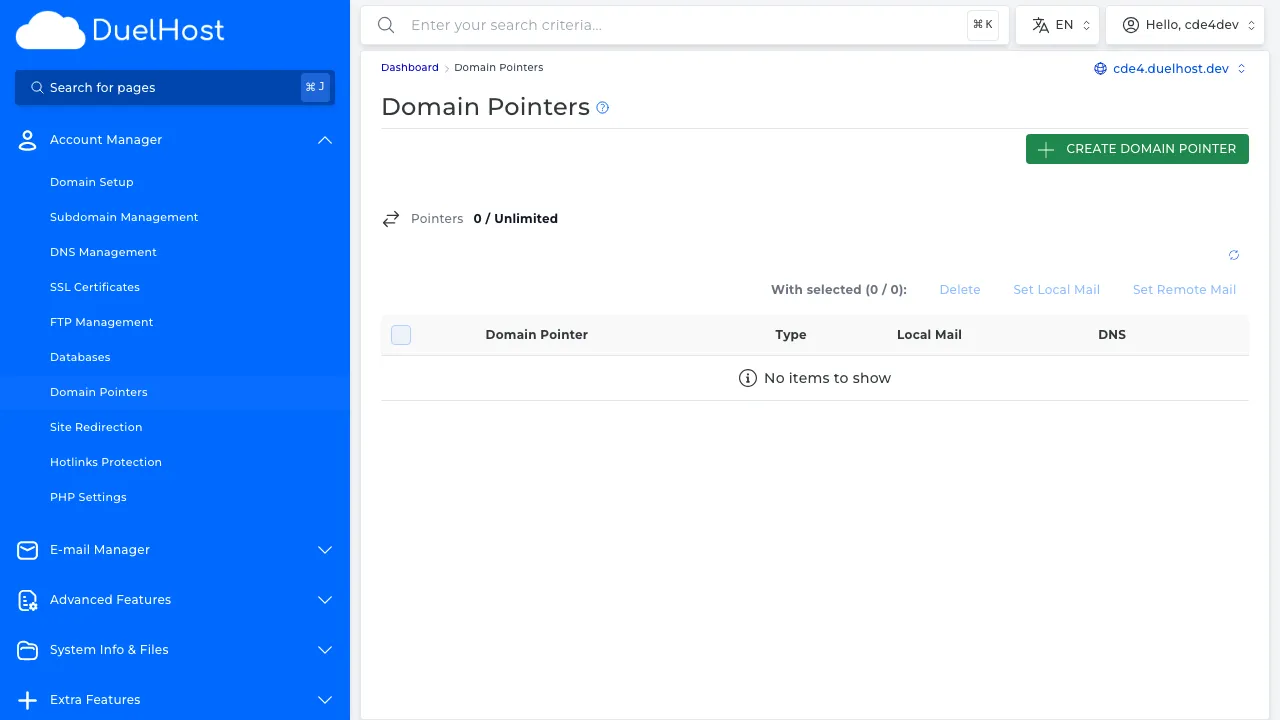
Step 5: Click to add a new domain pointer
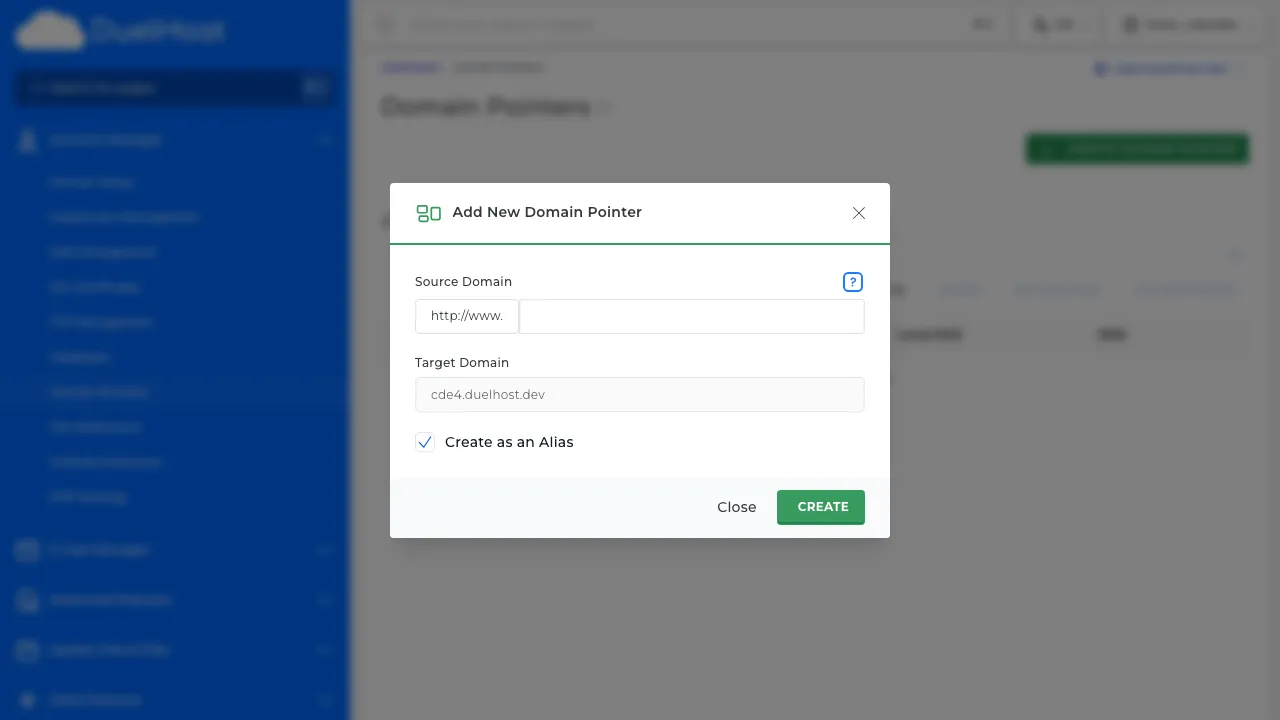
Step 6: View the form — enter the domain name and select the type (alias or redirect), then click to save
Tips and notes
- Make sure DNS for the pointer domain is also pointed to DuelHost’s nameservers
- You can choose between alias (shows the same content) and redirect (sends visitors to the main domain)
- Domain pointers do not require separate hosting plans
Need help?
If you run into any issues, our support team is ready to help. Contact us at support@duelhost.dk or through our contact form.
Del: