
· Email · 2 min read
How to troubleshoot email that is not sending/receiving
Learn how to diagnose and fix common email delivery problems in DirectAdmin when messages are not sending or arriving.
Email issues can be frustrating, but most problems have straightforward solutions. This guide walks you through the most common reasons emails fail to send or receive and how to fix them in DirectAdmin.
Prerequisite: You need an active web hosting plan with DuelHost.
Step-by-step guide
Step 1: Log in to DirectAdmin
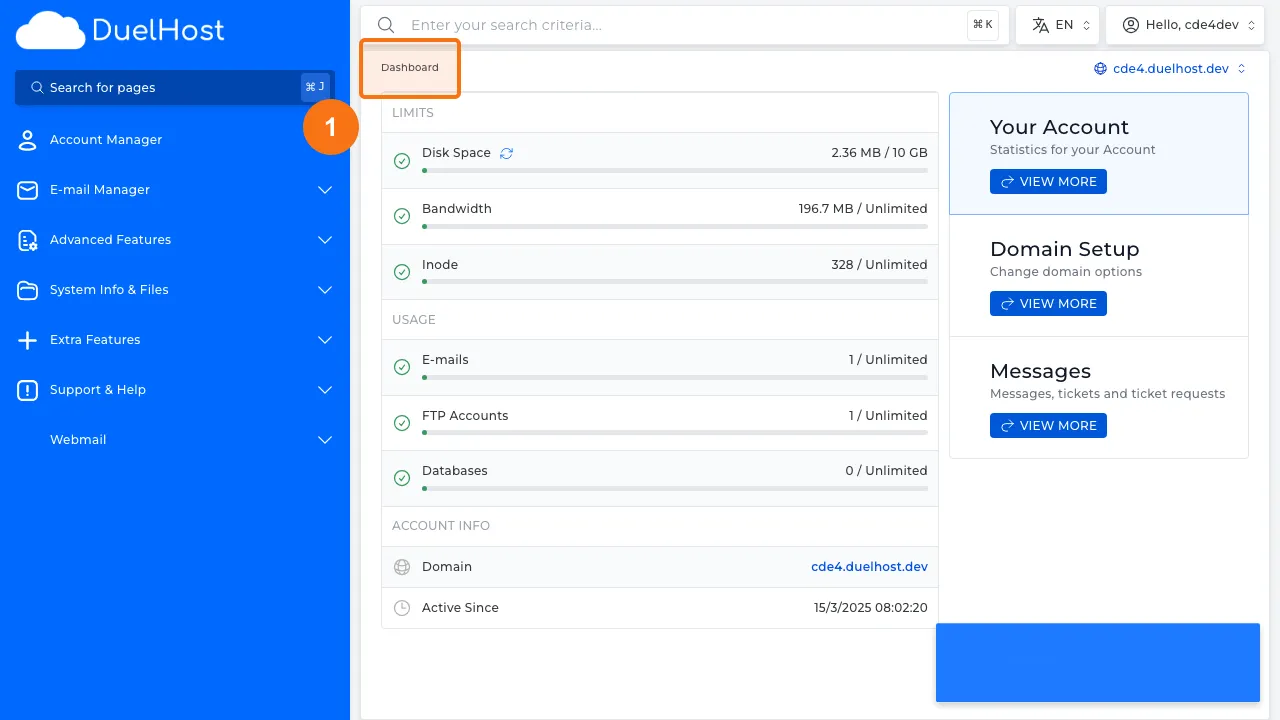
Step 2: Click “E-mail Manager” in the sidebar
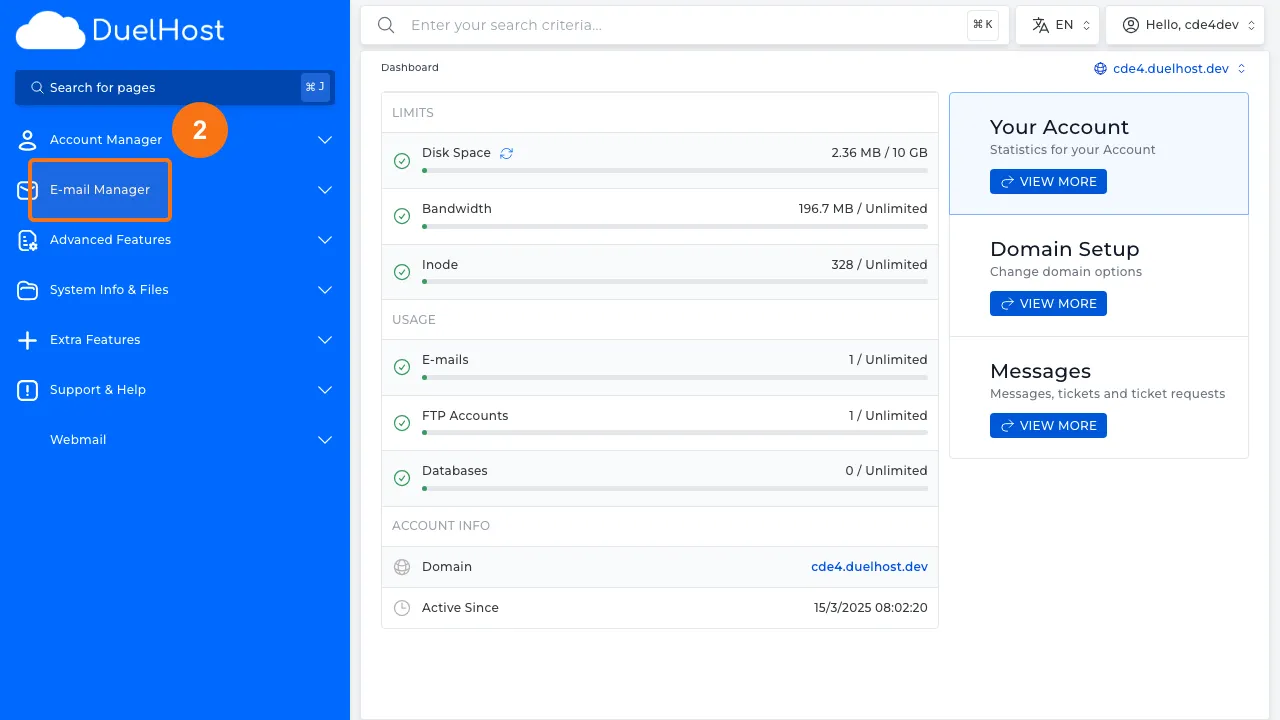
Step 3: Click “E-mail Accounts”
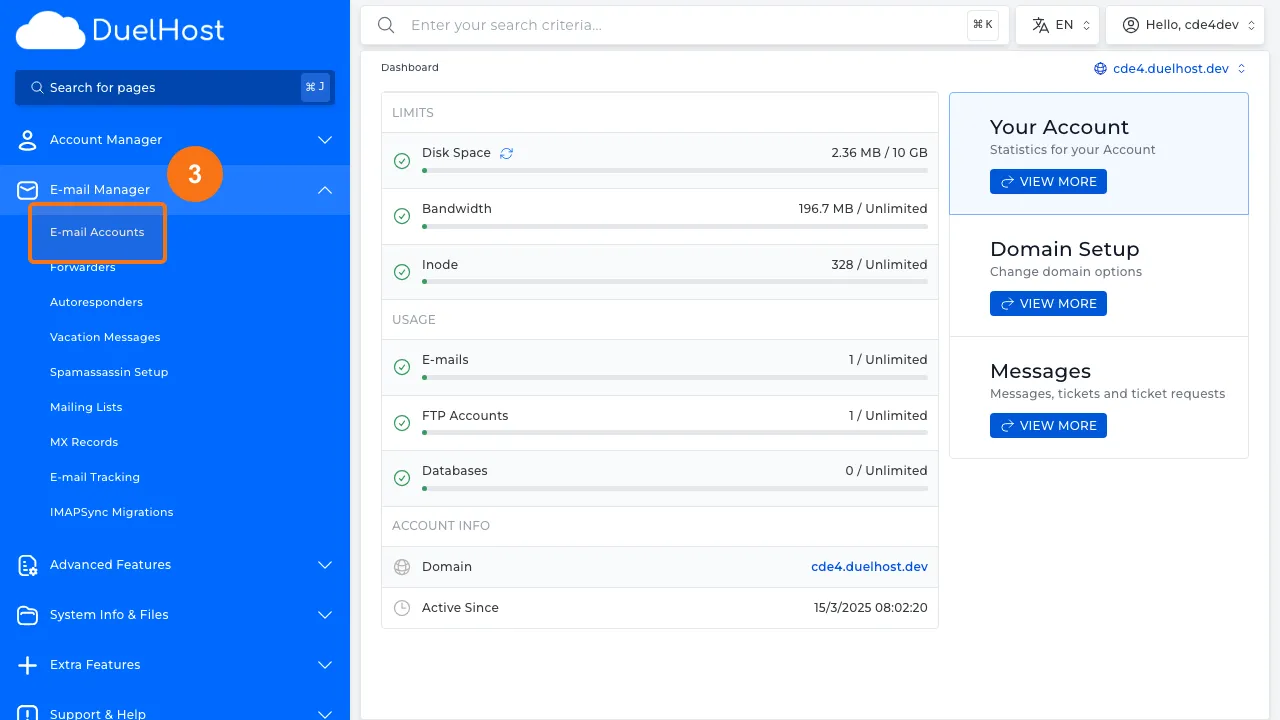
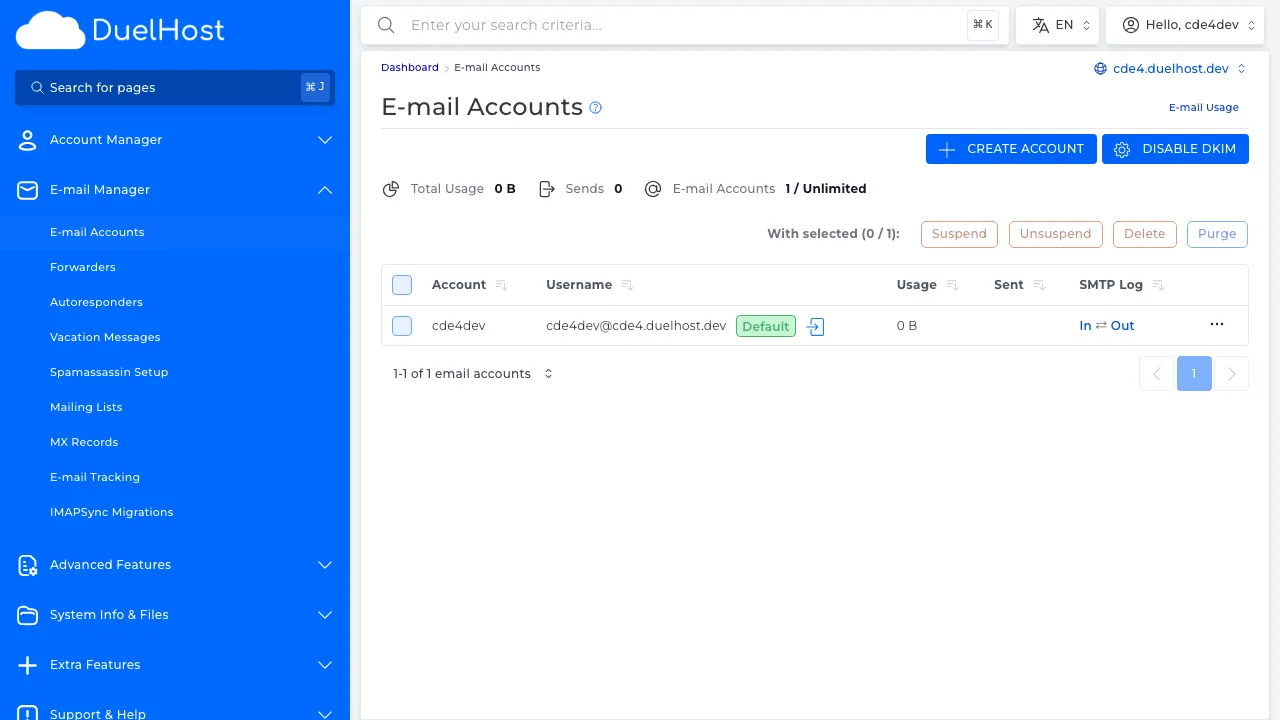
Step 4: View email accounts and check quota/status
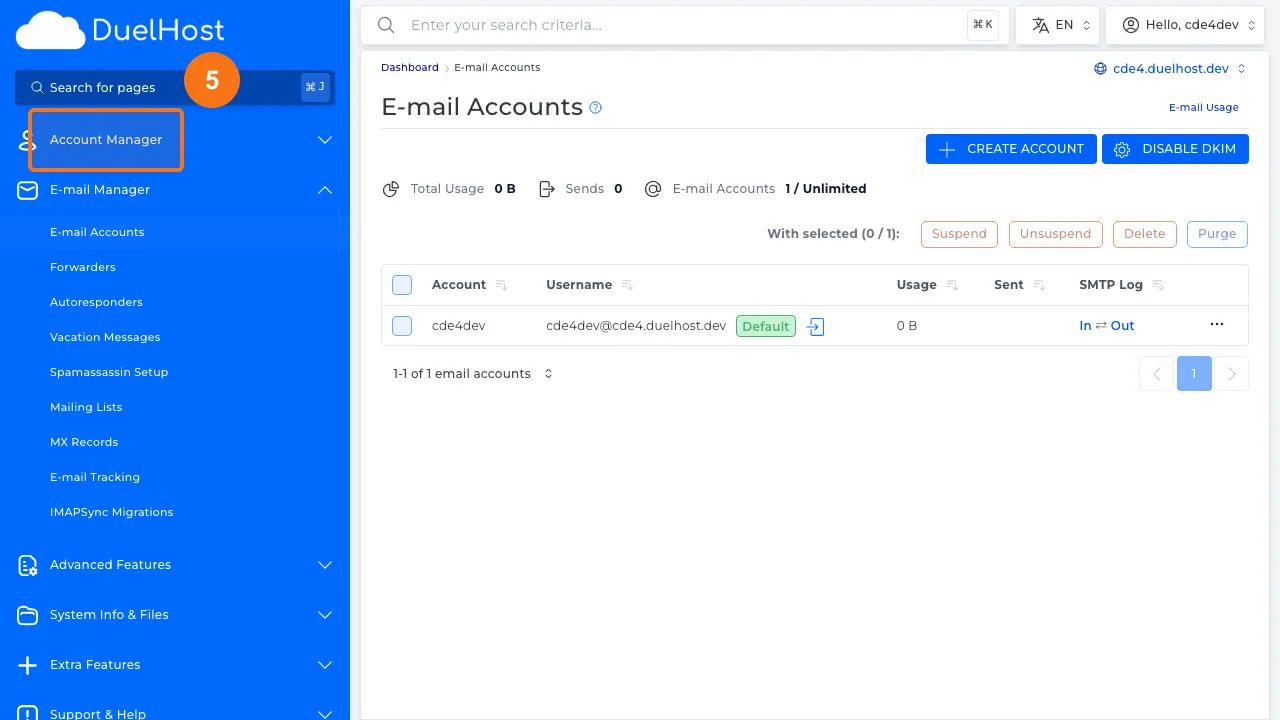
Step 5: Go to “Account Manager” in the sidebar
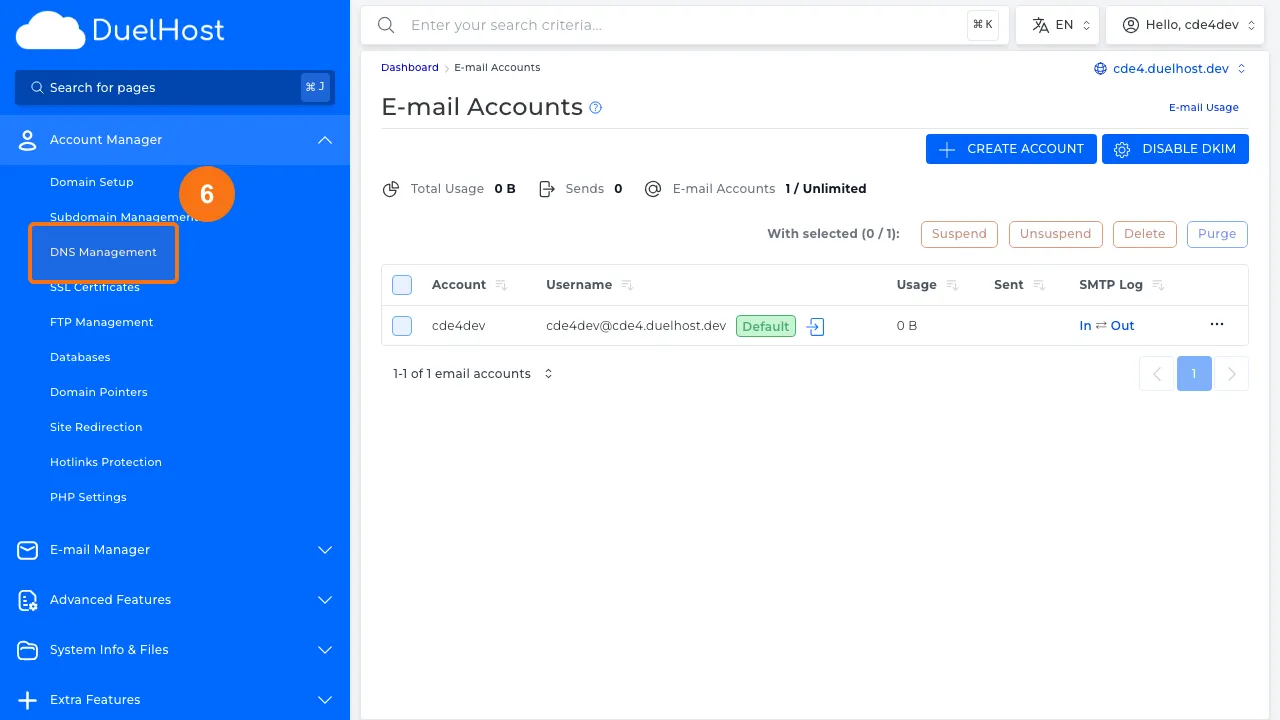
Step 6: Click “DNS Management”
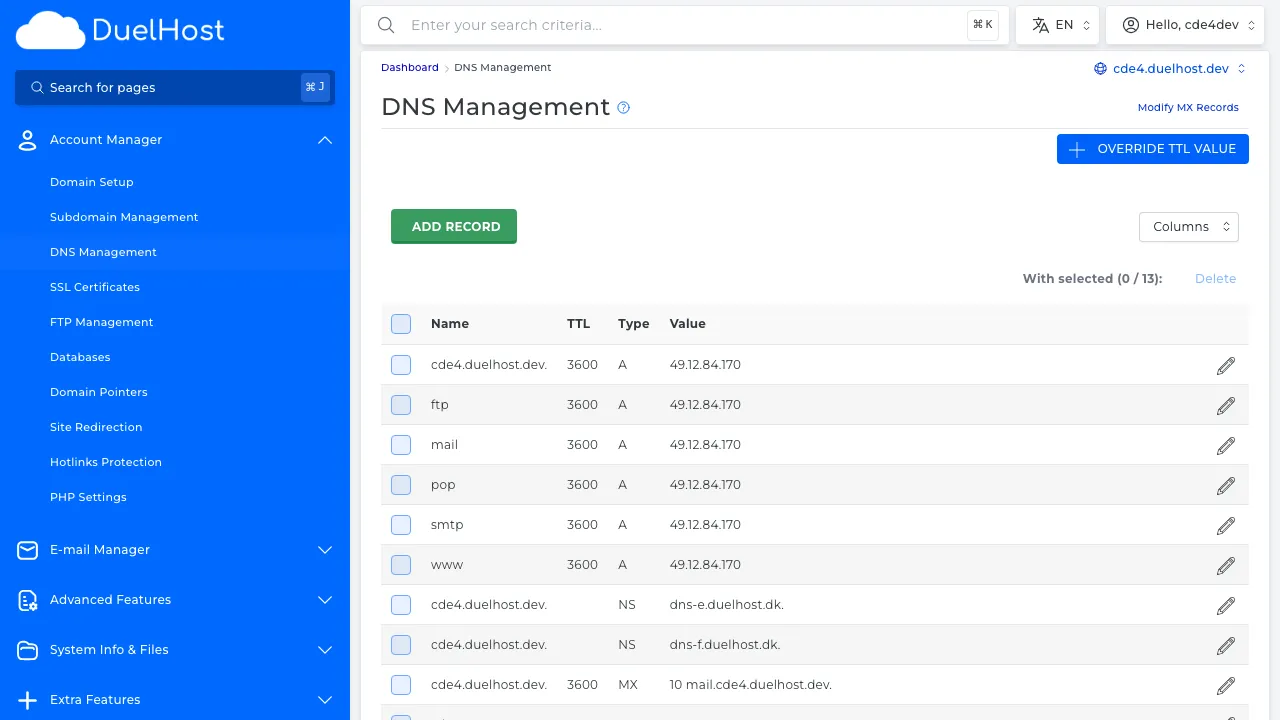
Step 7: View DNS records and verify SPF and MX records
Tips and notes
- Check your spam/junk folder before assuming an email was not delivered
- Verify that your SPF, DKIM, and DMARC records are set up correctly
- Make sure your mailbox is not full, as that can prevent new messages from arriving
- If sending fails, check that your email client settings match the recommended SMTP configuration
Need help?
If you run into any issues, our support team is ready to help. Contact us at support@duelhost.dk or through our contact form.
Del: