
· Getting Started · 1 min read
How to log in to DirectAdmin
Learn how to log in to your DirectAdmin control panel to manage your web hosting account.
DirectAdmin is the control panel where you manage your hosting account, including files, emails, databases, and more. Logging in is the first step to managing your website.
Prerequisite: You need an active web hosting plan with DuelHost.
Step-by-step guide
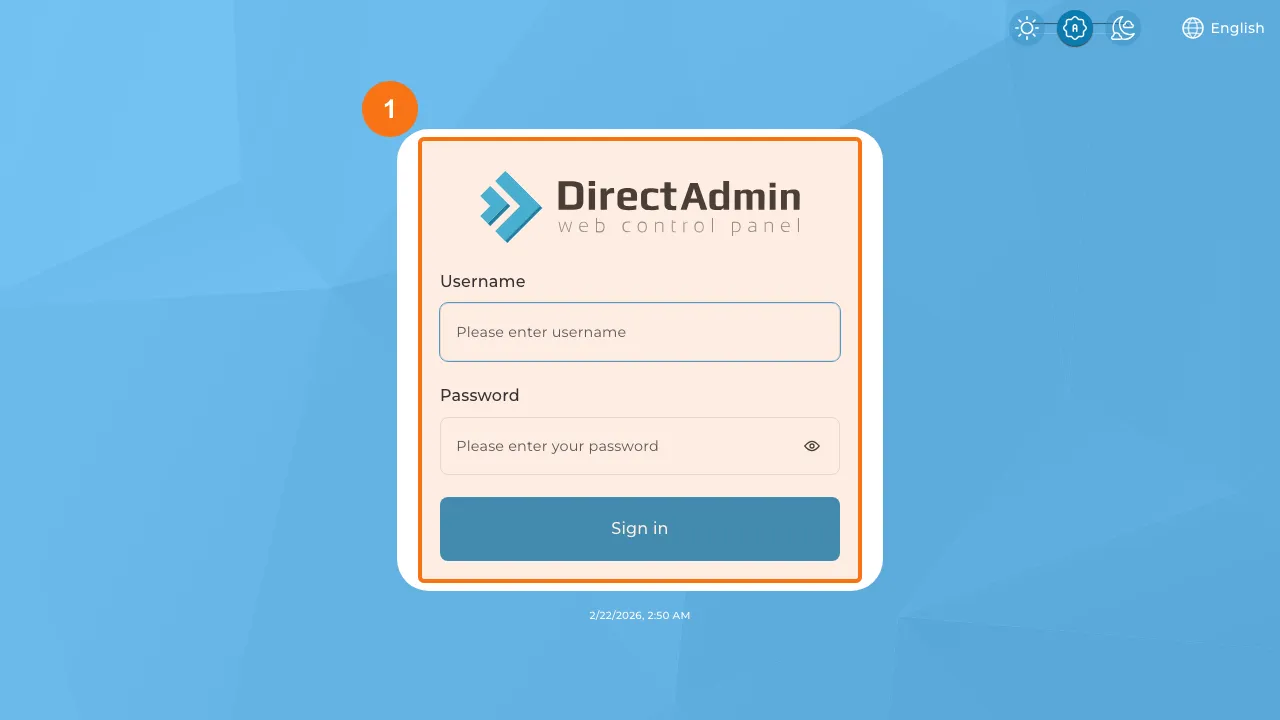
Step 1: Open the DirectAdmin login page
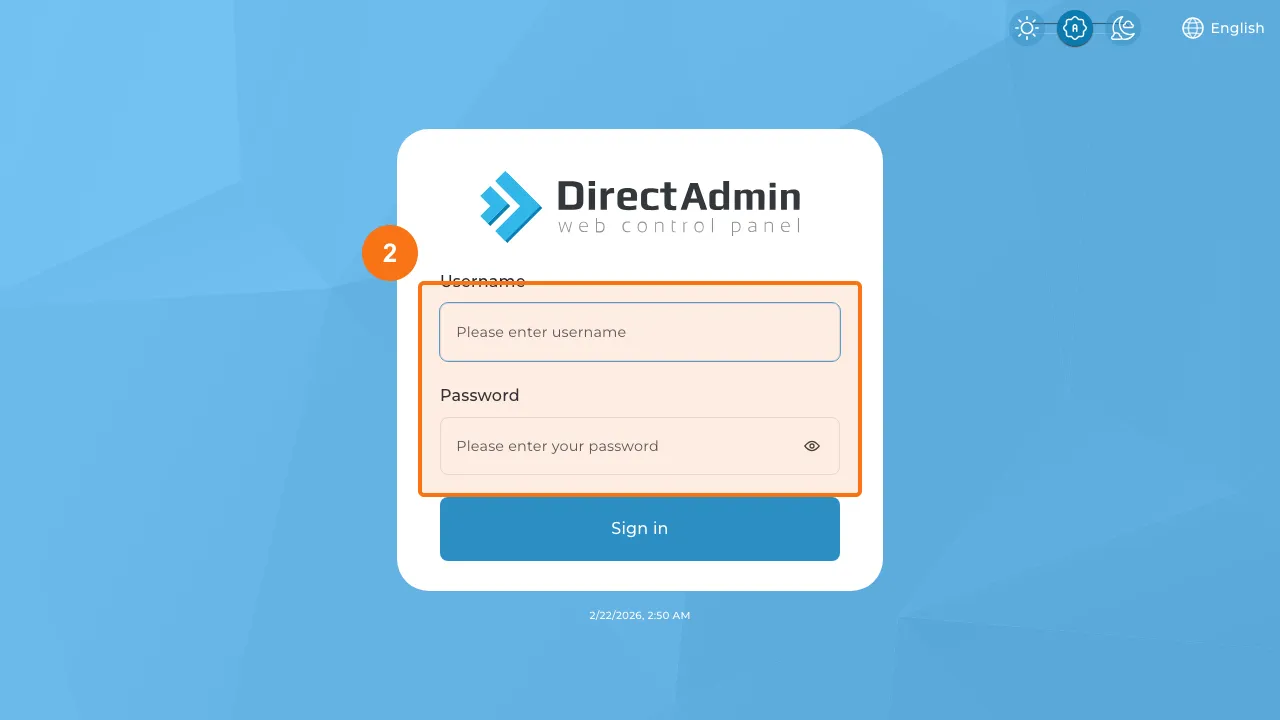
Step 2: Enter your username and password
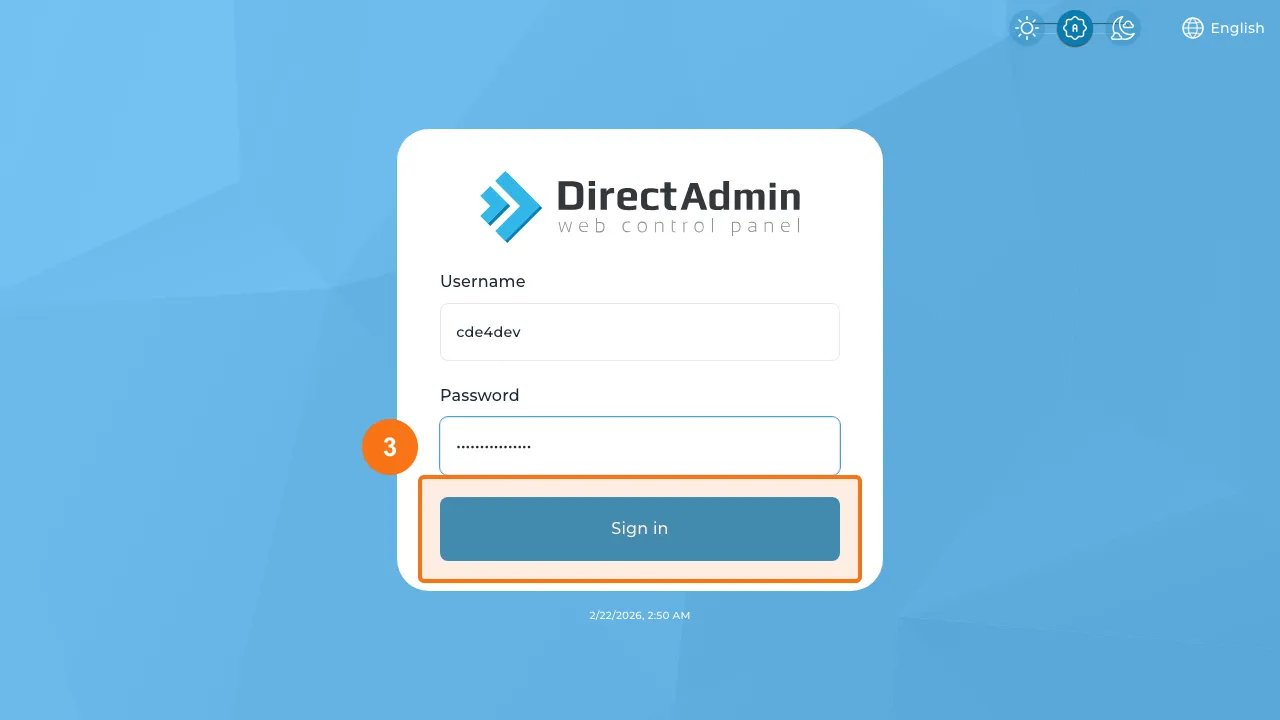
Step 3: Click the “Sign in” button
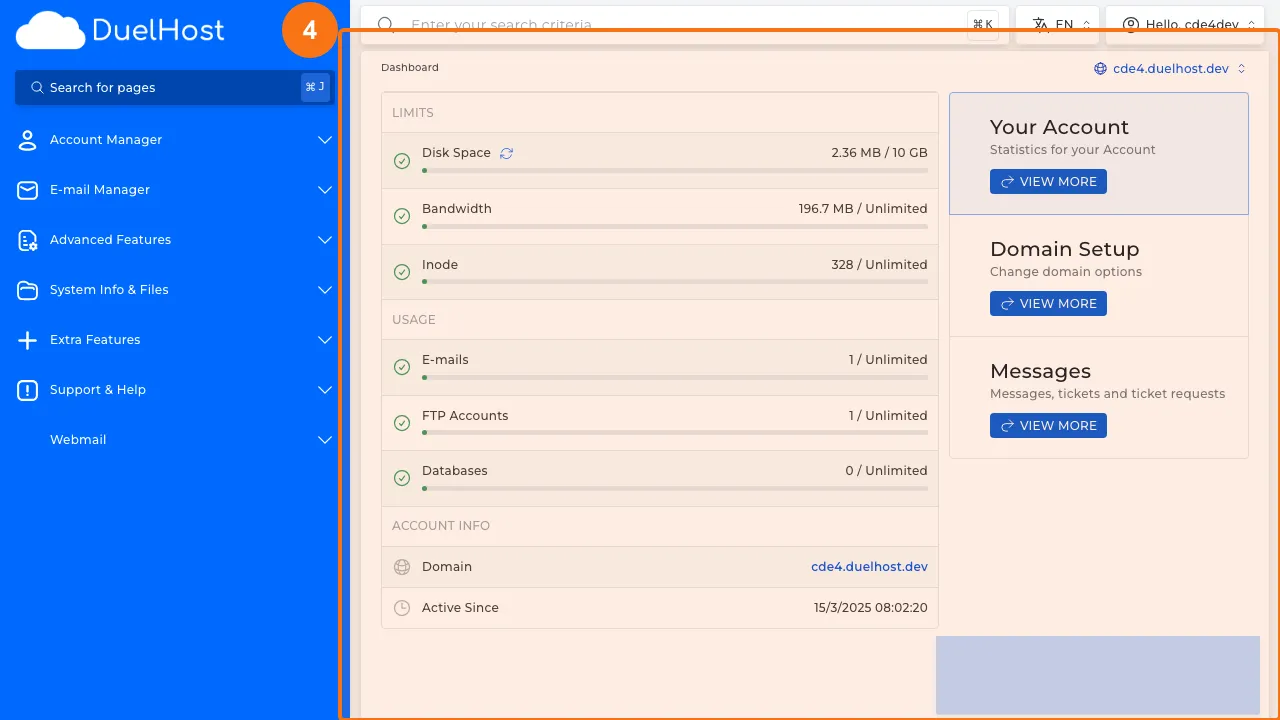
Step 4: Verify that the dashboard is displayed
Tips and notes
- Bookmark your DirectAdmin login page for quick access
- Use a strong, unique password for your control panel
- If you forget your password, you can reset it from the login page
Need help?
If you run into any issues, our support team is ready to help. Contact us at support@duelhost.dk or through our contact form.