
· Security · 1 min read
How to scan your website for malware
Learn how to use the built-in malware scanner in DirectAdmin to check your website for malicious files.
Malware can compromise your website, steal data, and damage your reputation. DirectAdmin includes a malware scanning tool that helps you identify and address infected files on your hosting account.
Prerequisite: You need an active web hosting plan with DuelHost.
Step-by-step guide
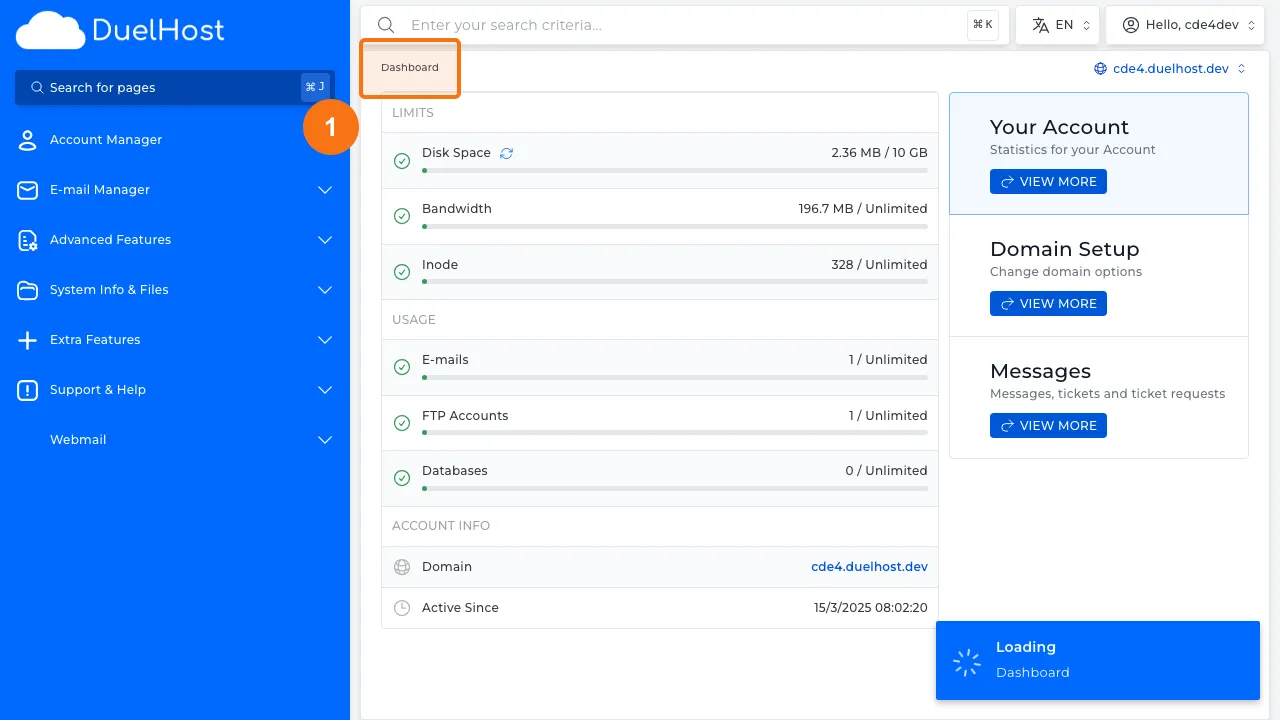
Step 1: Log in to DirectAdmin
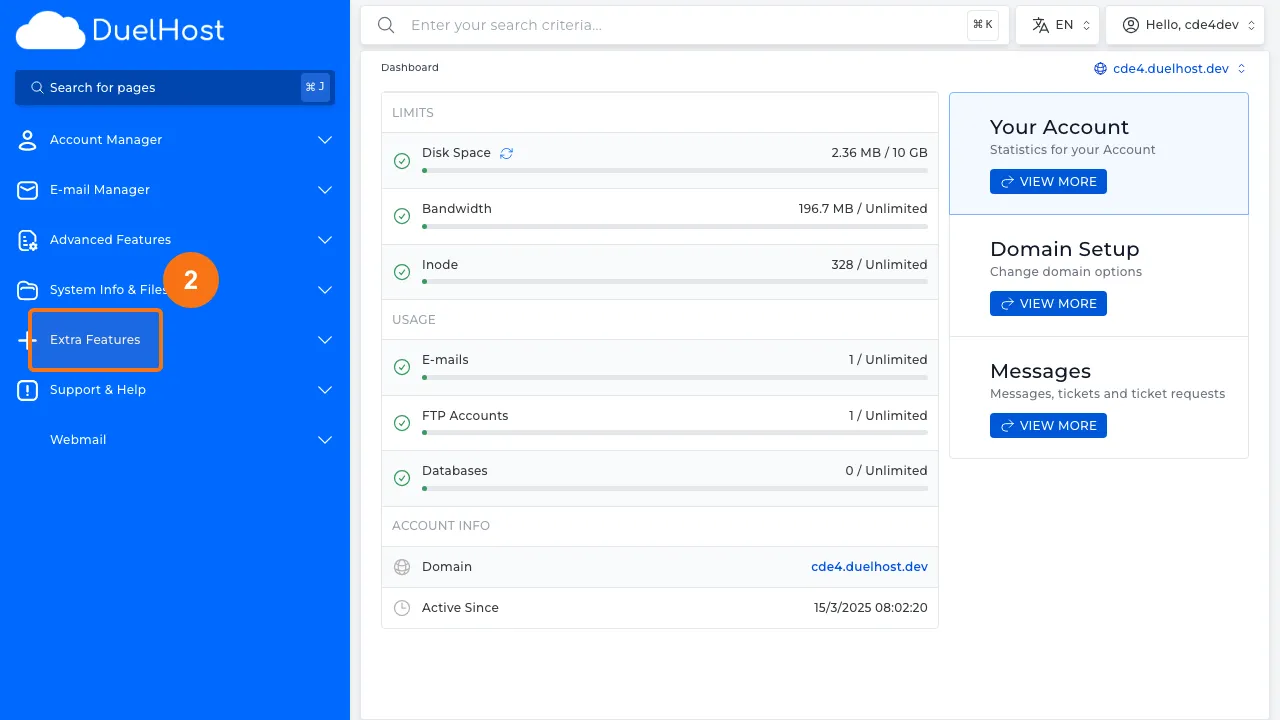
Step 2: Click “Extra Features” in the sidebar
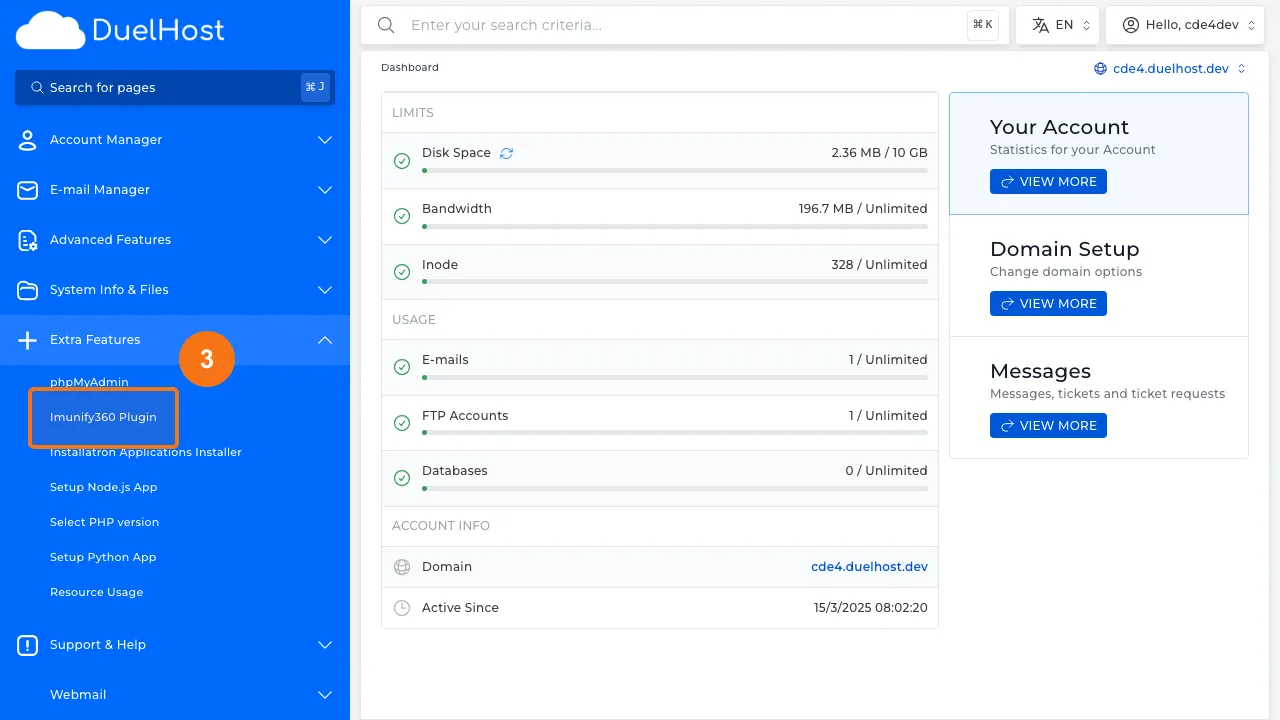
Step 3: Click “Imunify360 Plugin” to open the malware scanner
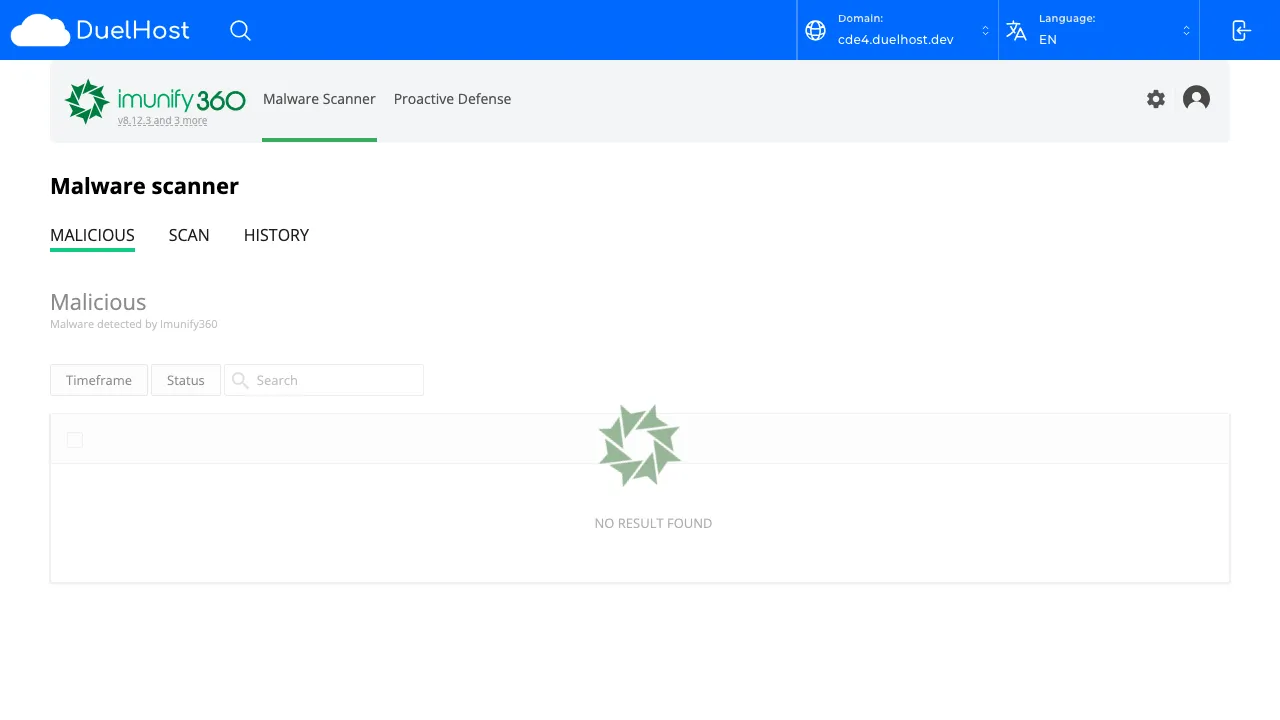
Step 4: View the Imunify360 interface with scan results
Tips and notes
- Run malware scans regularly, especially after installing new plugins or themes
- Keep your CMS, plugins, and themes up to date to reduce vulnerability
- If malware is found, remove the infected files and change all passwords immediately
Need help?
If you run into any issues, our support team is ready to help. Contact us at support@duelhost.dk or through our contact form.