
· Databases · 1 min read
How to create a MySQL database
Learn how to create a MySQL database and database user in DirectAdmin for your web applications.
Most web applications, including WordPress, require a MySQL database to store content and settings. This guide shows you how to create a new database and assign a user to it in DirectAdmin.
Prerequisite: You need an active web hosting plan with DuelHost.
Step-by-step guide
Step 1: Log in to DirectAdmin
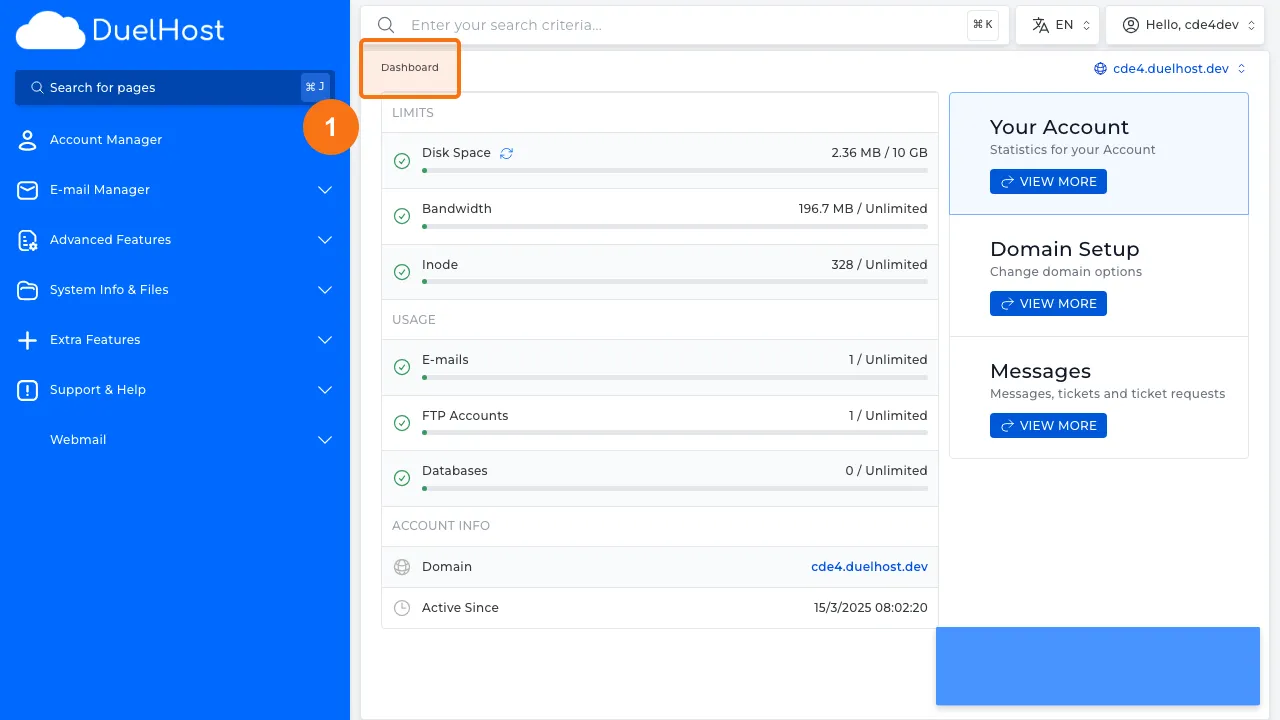
Step 2: Click “Account Manager” in the sidebar
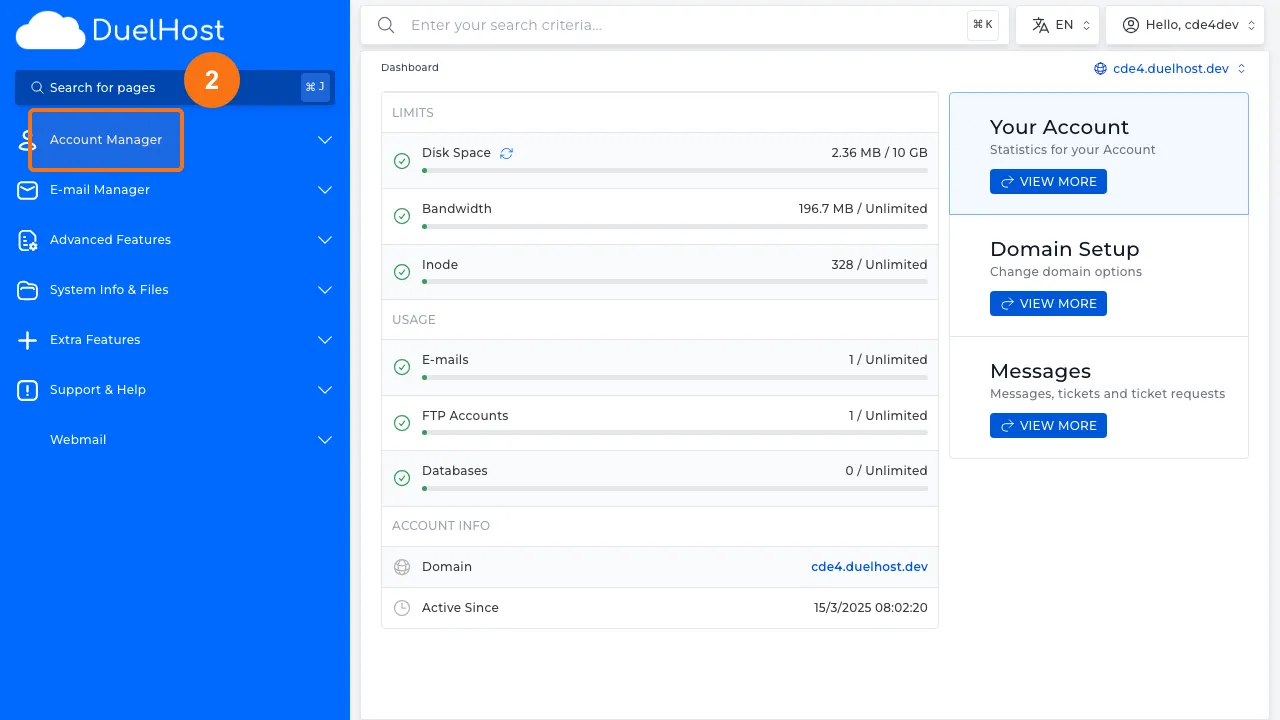
Step 3: Click “Databases”
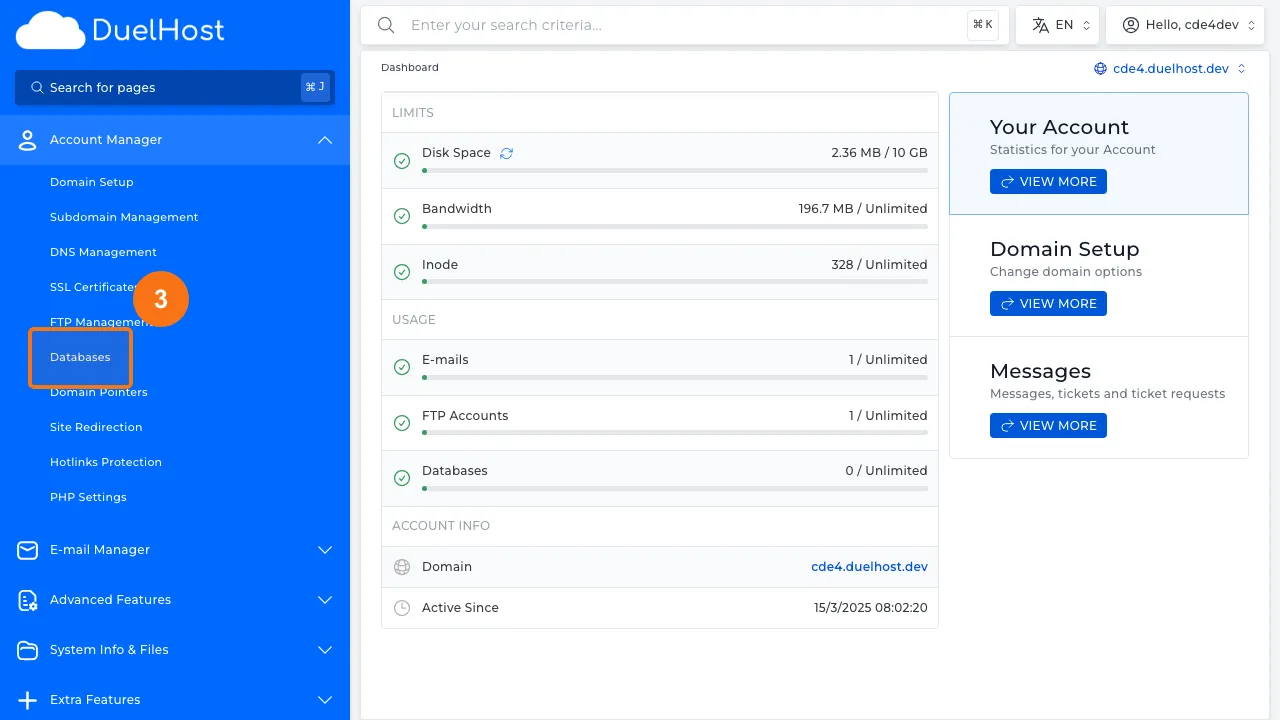
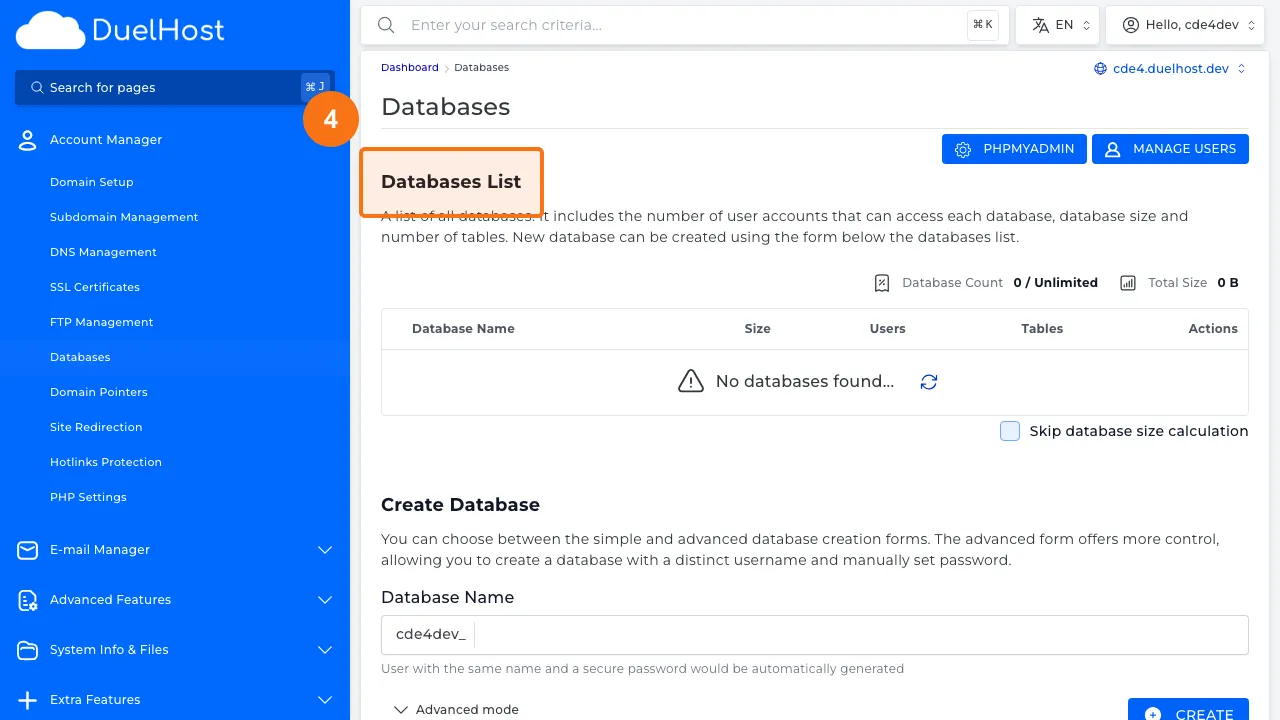
Step 4: View the database list and the creation form below
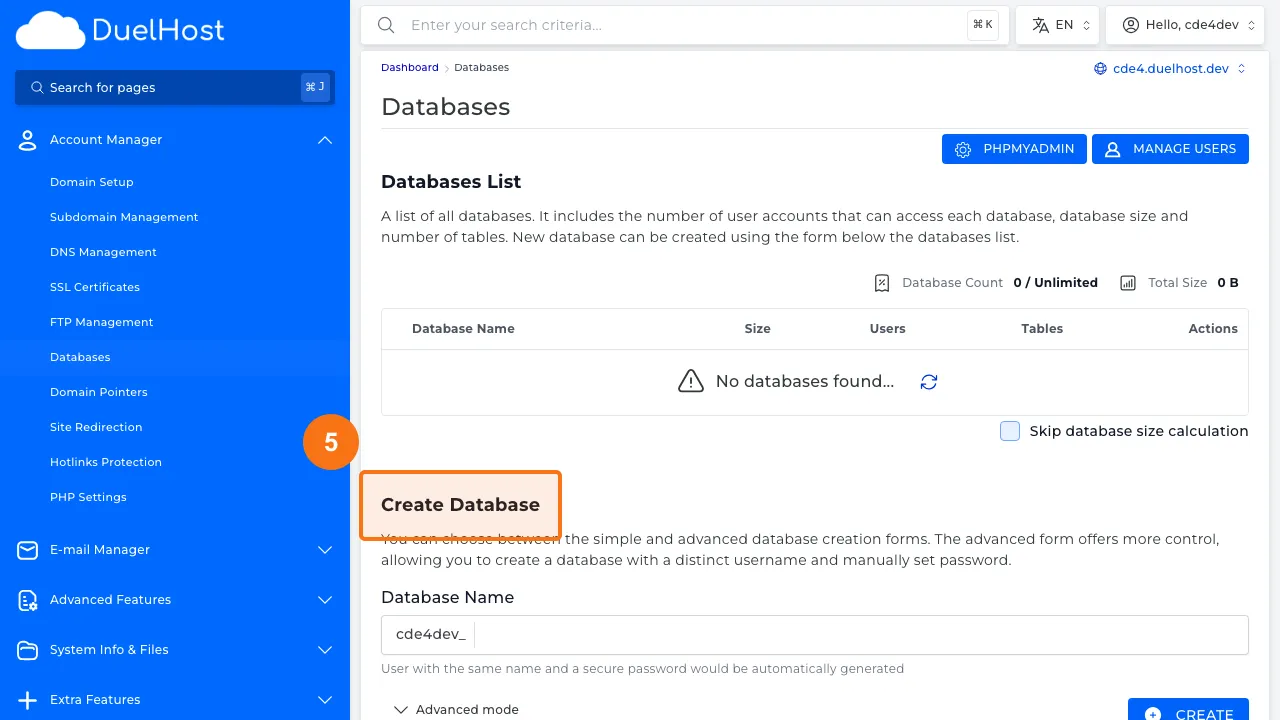
Step 5: Scroll down to “Create Database” — fill in a name and click “CREATE”
Tips and notes
- Use a strong password for your database user
- Note down the database name, username, and password, as you will need them during application setup
- Each application should have its own separate database for security and organization
Need help?
If you run into any issues, our support team is ready to help. Contact us at support@duelhost.dk or through our contact form.