
· Getting Started · 2 min read
First time in DirectAdmin -- control panel overview
Get an overview of the DirectAdmin control panel and learn where to find the most important features.
If you are new to DirectAdmin, the interface might seem overwhelming at first. This guide gives you a quick tour of the main sections and features, so you know where to find everything you need to manage your hosting.
Prerequisite: You need an active web hosting plan with DuelHost.
Step-by-step guide
Step 1: Log in to DirectAdmin
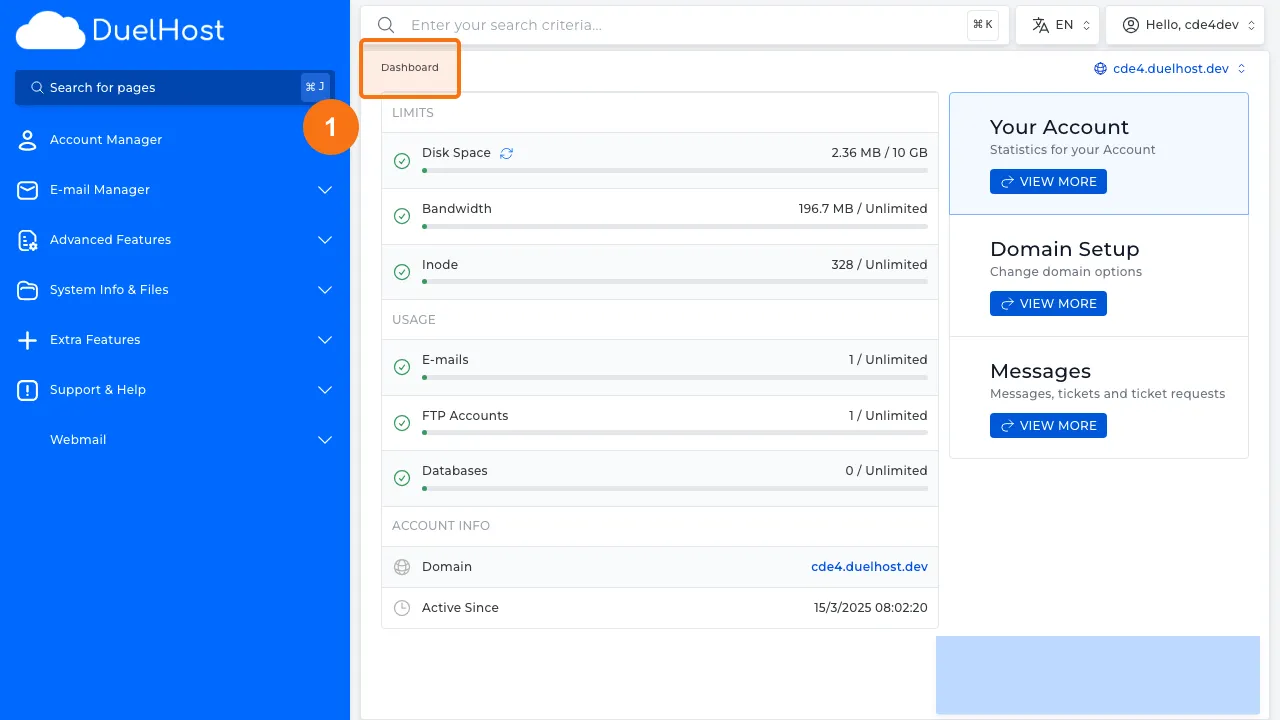
Step 2: View the dashboard layout with an overview of your hosting
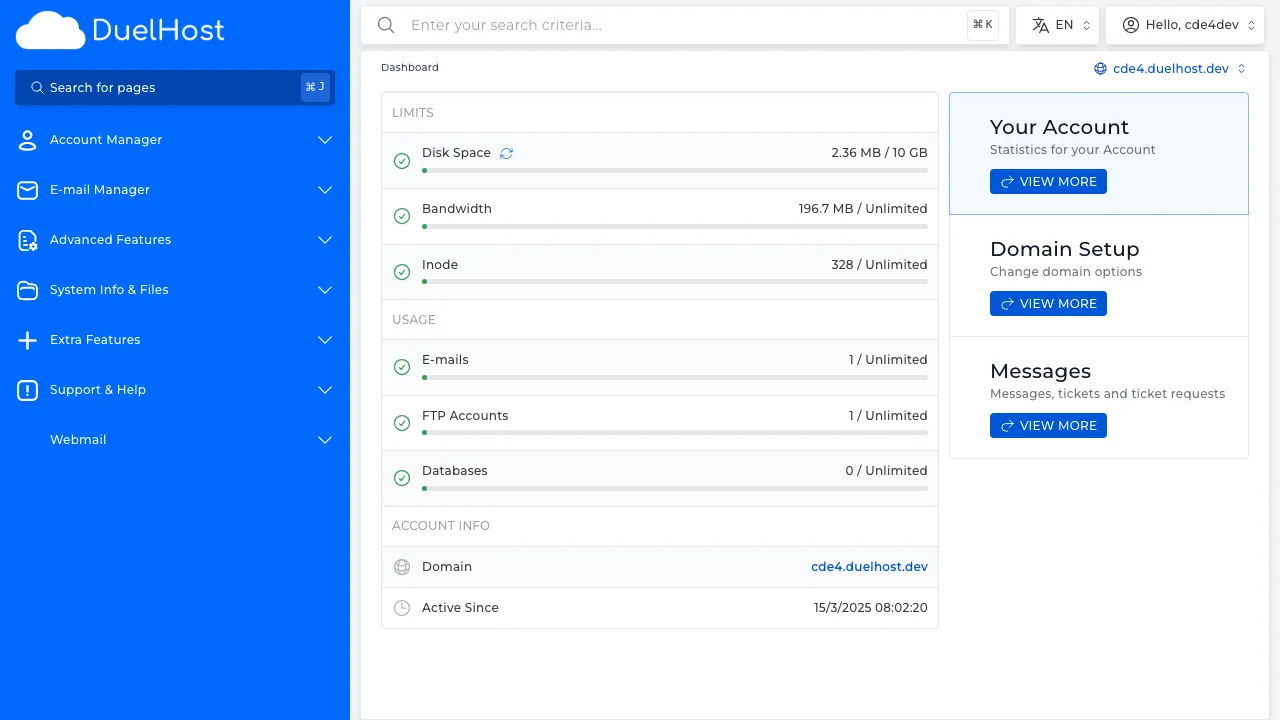
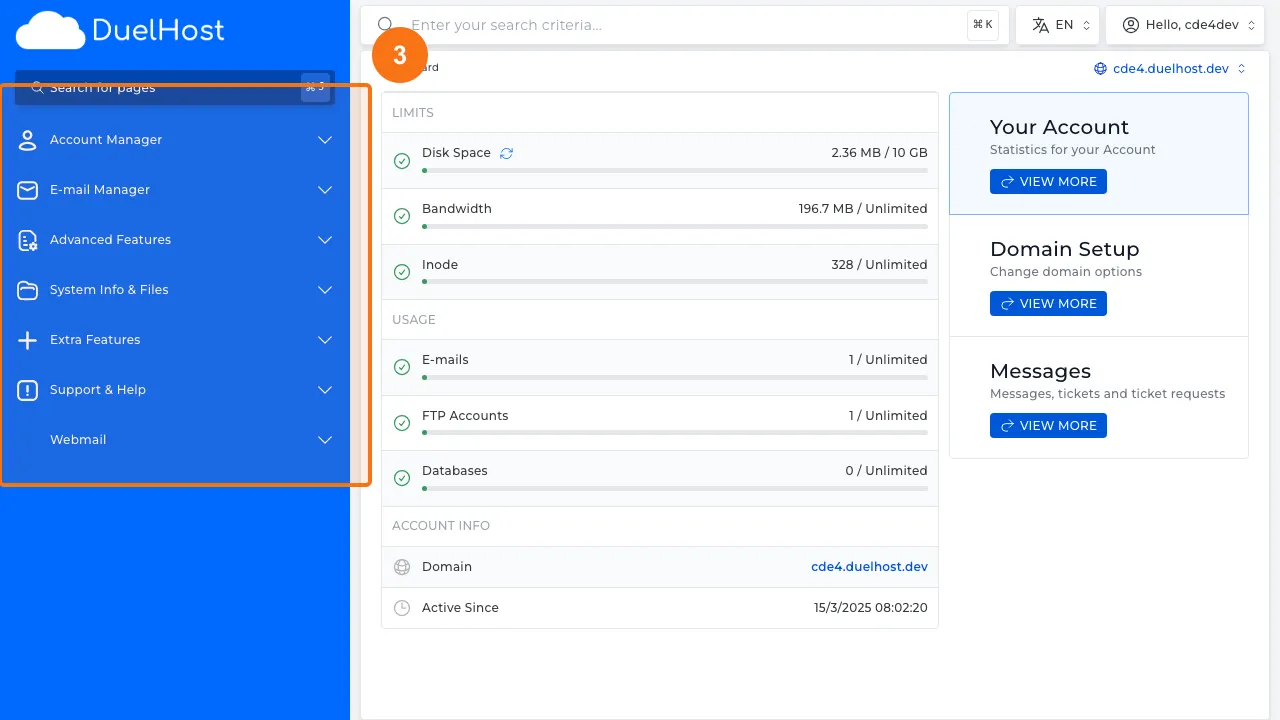
Step 3: View the navigation menu on the left side with all categories
Step 4: View the statistics panel on the right side with usage and resources
Step 5: View the domain selector in the top right — switch between your domains here
Tips and notes
- Explore each section to familiarize yourself with the available features
- The sidebar navigation is your main way of getting around DirectAdmin
- You can customize your dashboard to show the tools you use most often
Need help?
If you run into any issues, our support team is ready to help. Contact us at support@duelhost.dk or through our contact form.