
· Troubleshooting · 2 min read
What do errors 500/503 mean, and what can you do?
Learn what HTTP 500 and 503 errors mean and how to diagnose and fix them in DirectAdmin.
HTTP 500 (Internal Server Error) and 503 (Service Unavailable) errors indicate something went wrong on the server side. These errors can be caused by misconfigured files, PHP errors, or resource limits. This guide helps you find and fix the root cause.
Prerequisite: You need an active web hosting plan with DuelHost.
Step-by-step guide
Step 1: Log in to DirectAdmin
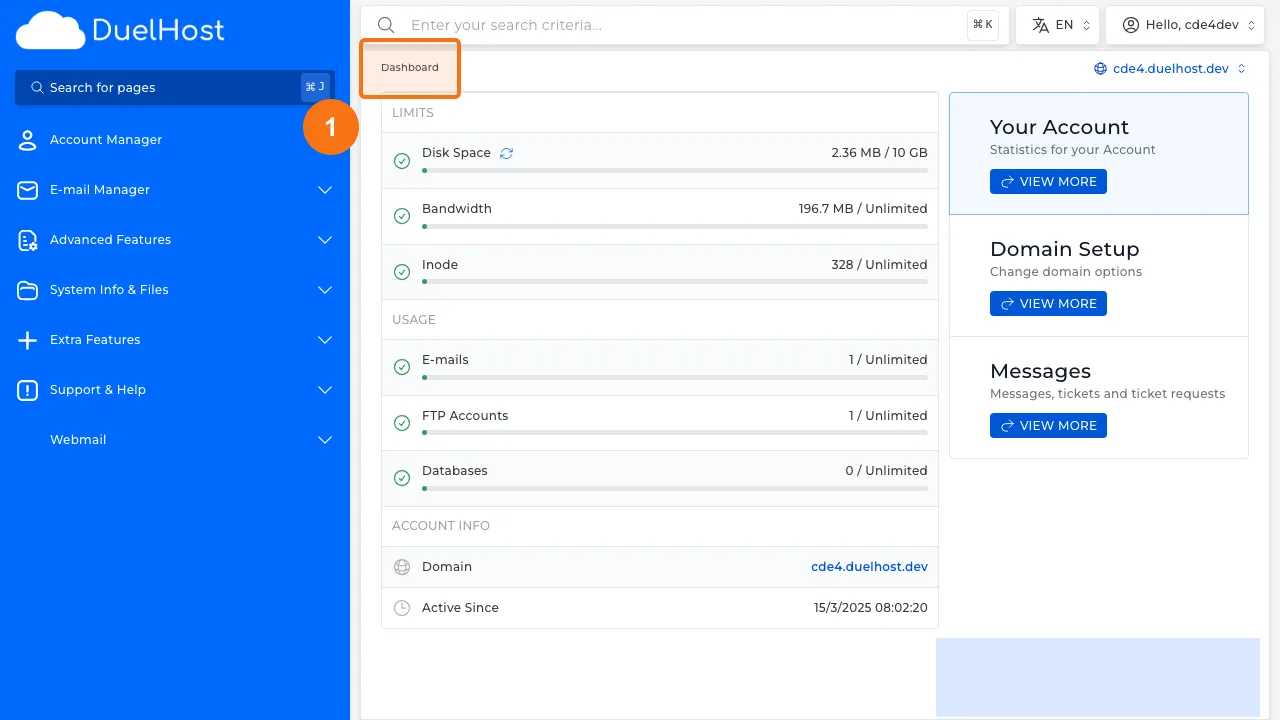
Step 2: Click “System Info & Files” in the sidebar
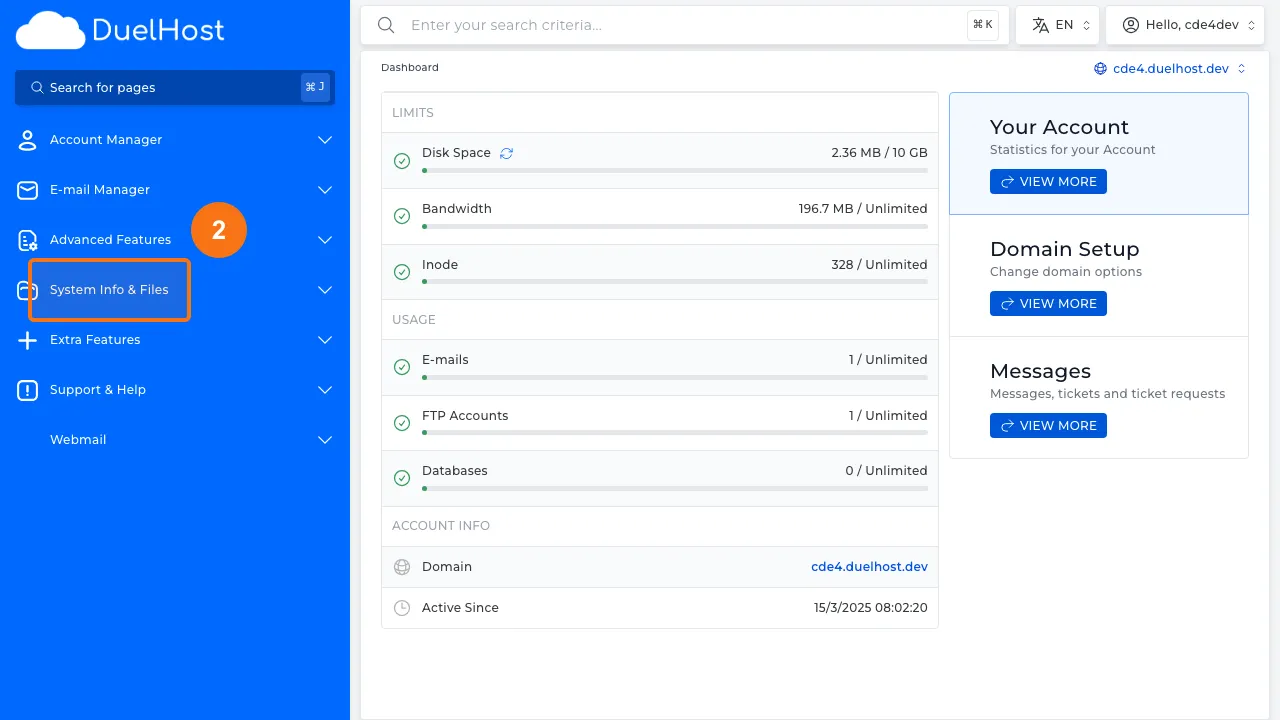
Step 3: Click “File Manager”
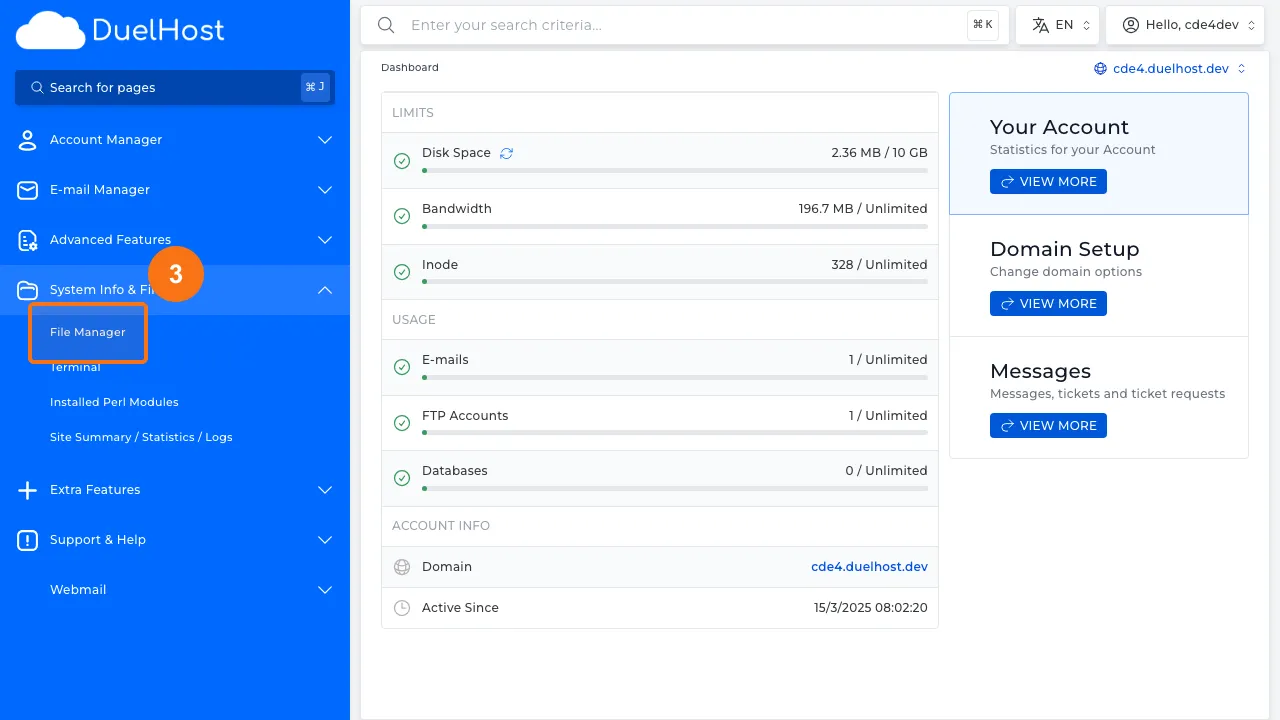
Step 4: View File Manager — look for error_log or public_html
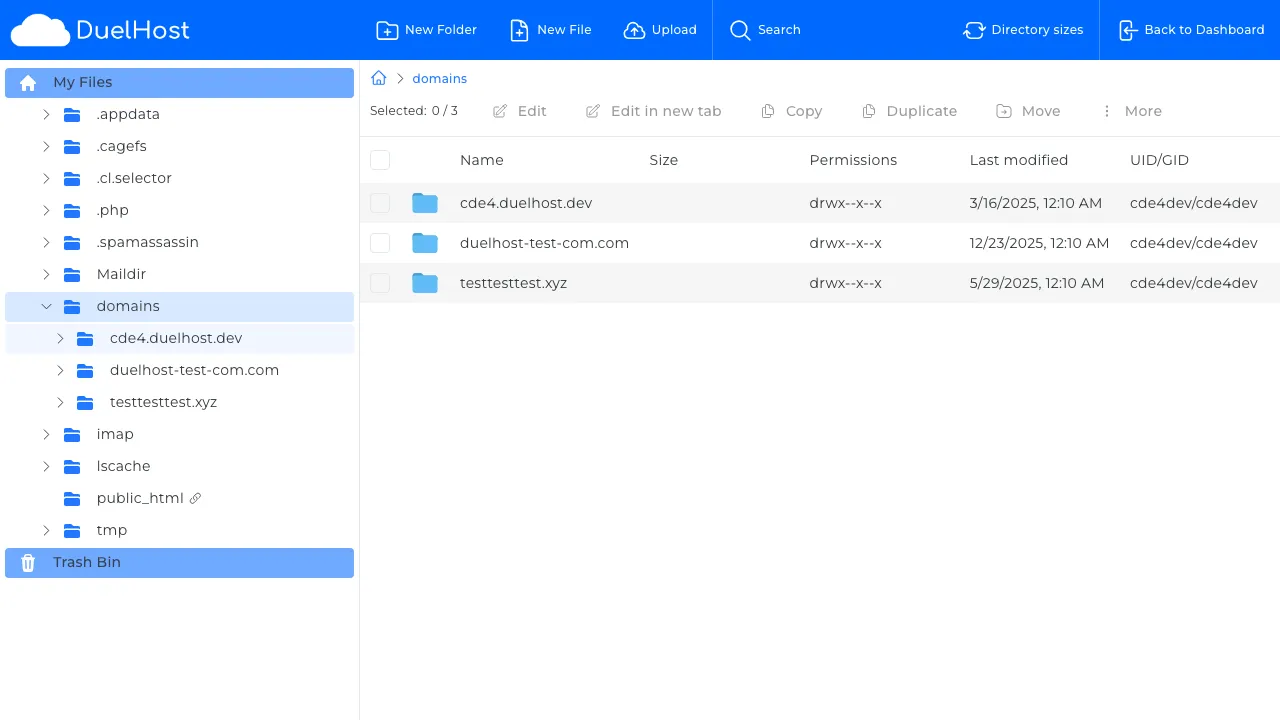
Step 5: Click “Back to Dashboard” to return
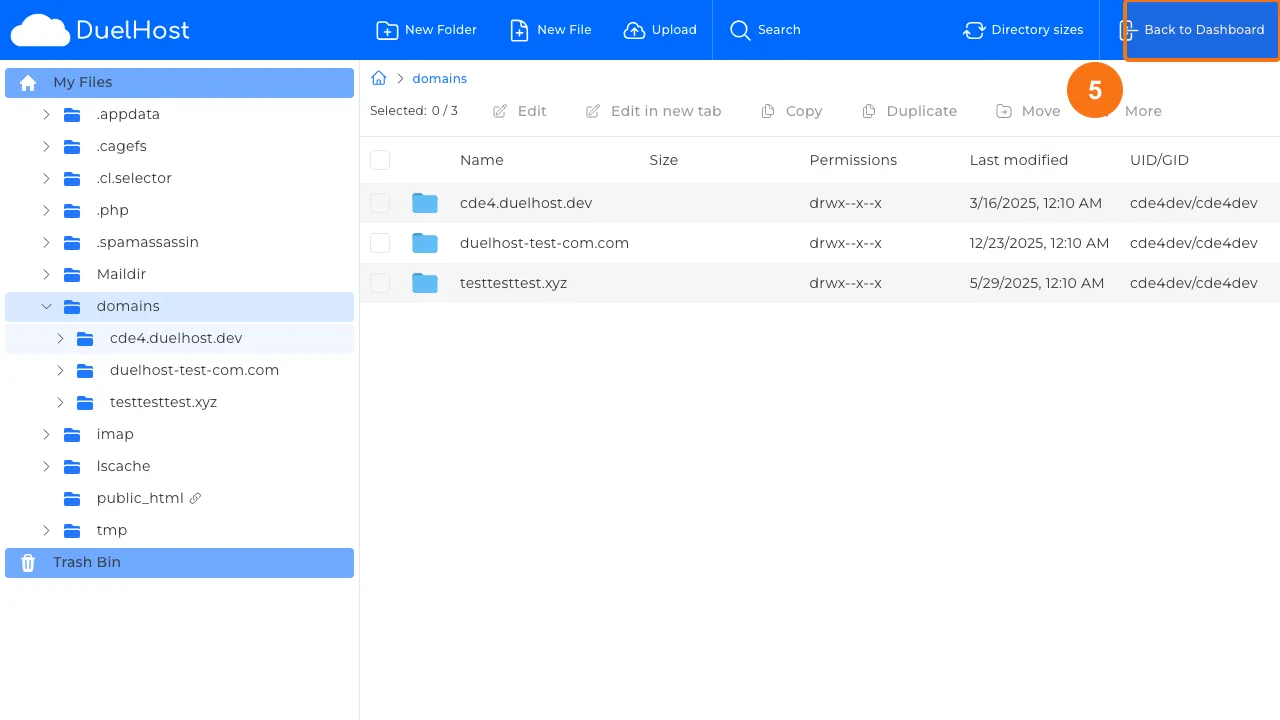
Step 6: Click “Account Manager” in the sidebar
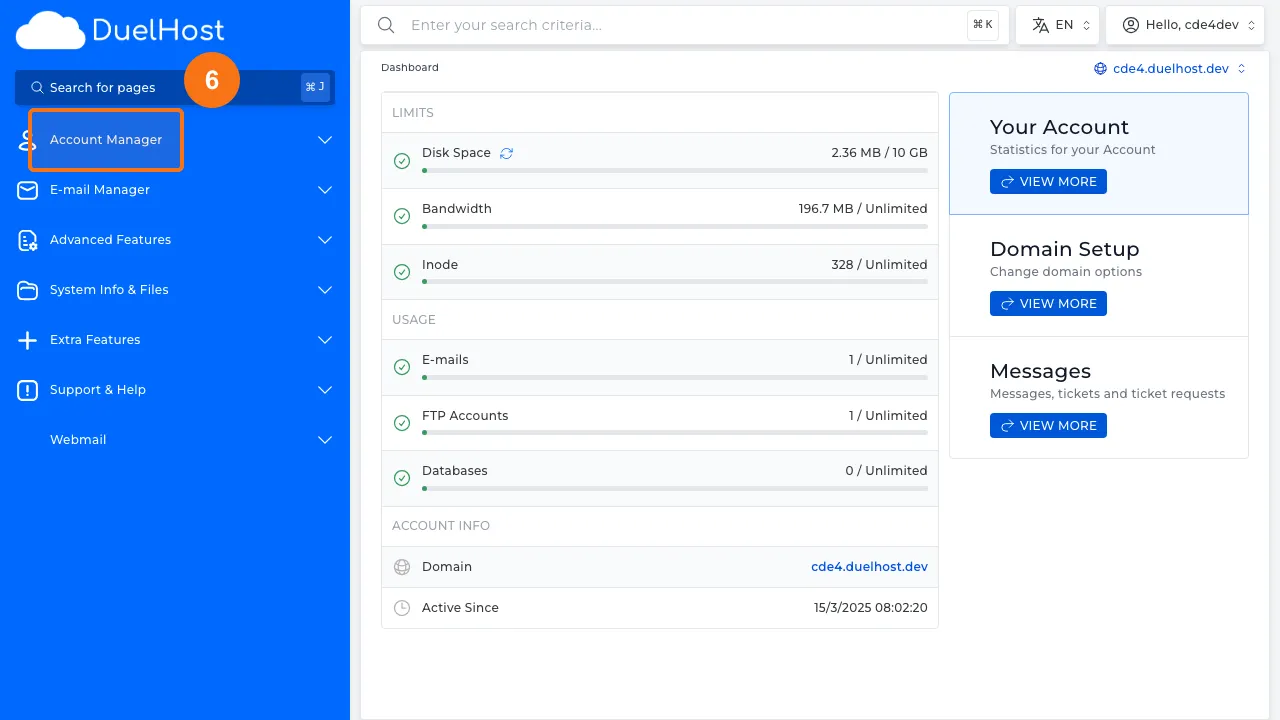
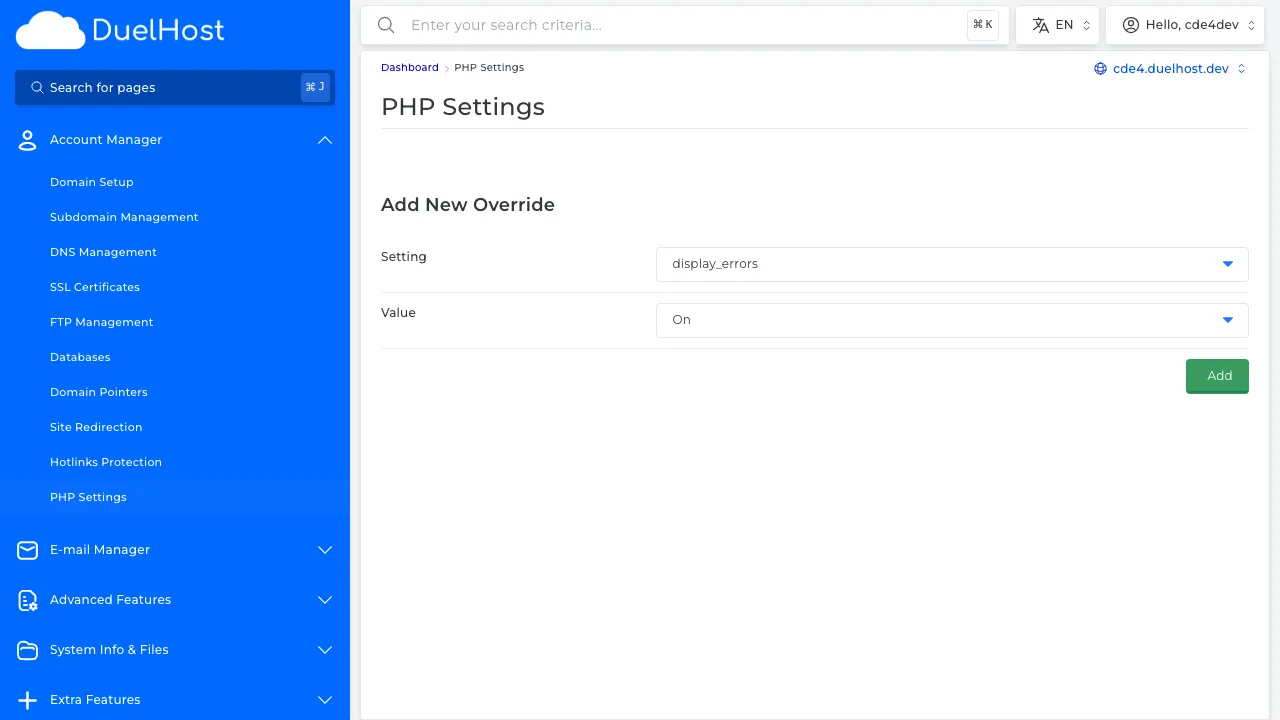
Step 7: Click “PHP Settings” to check PHP configuration
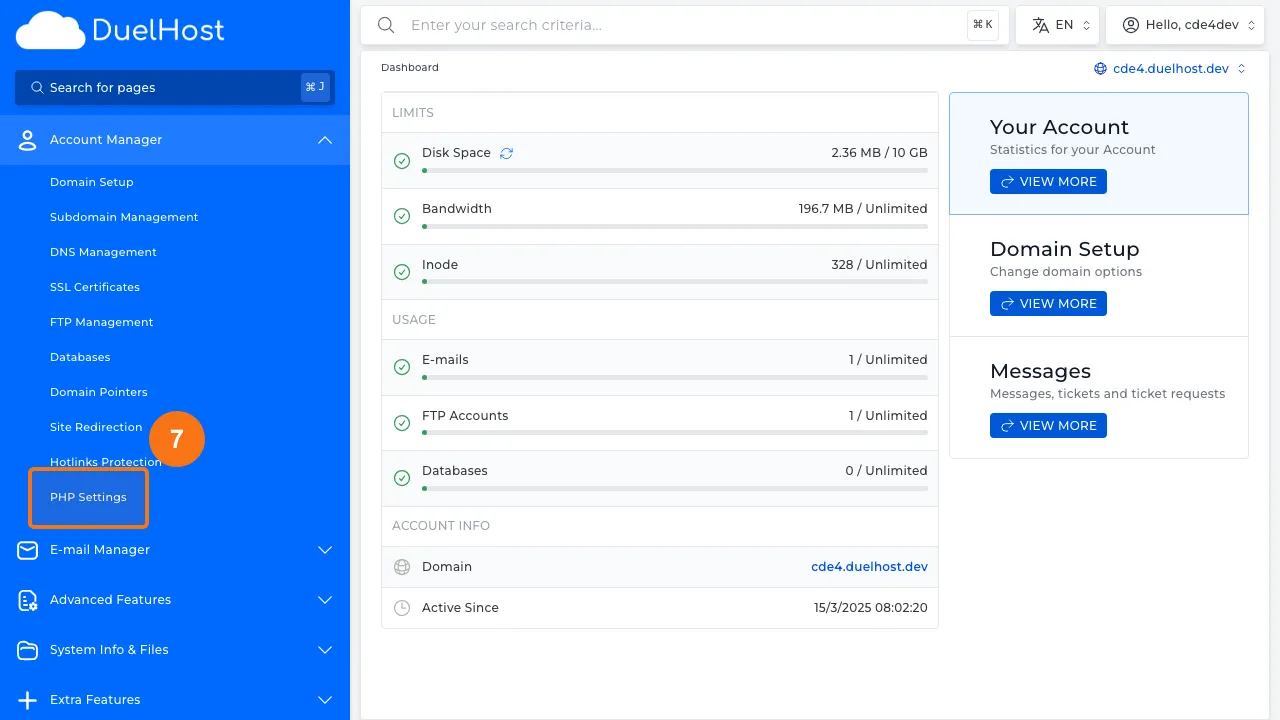
Step 8: View PHP settings — here you can add overrides for important PHP directives
Tips and notes
- Check the error_log file in your home directory for detailed error messages
- Common causes include syntax errors in .htaccess, PHP memory limits, and plugin conflicts
- Try disabling recently installed plugins or themes to isolate the problem
- If the error persists, contact support with the error log details
Need help?
If you run into any issues, our support team is ready to help. Contact us at support@duelhost.dk or through our contact form.