
· Email · 2 min read
How to configure the spam filter
Learn how to enable and configure SpamAssassin in DirectAdmin to filter out unwanted spam emails.

SpamAssassin is a powerful spam filter that automatically identifies and marks junk email. By configuring it in DirectAdmin, you can reduce the amount of spam that reaches your inbox and keep your email organized.
Prerequisite: You need an active web hosting plan with DuelHost.
Step-by-step guide
Step 1: Log in to DirectAdmin
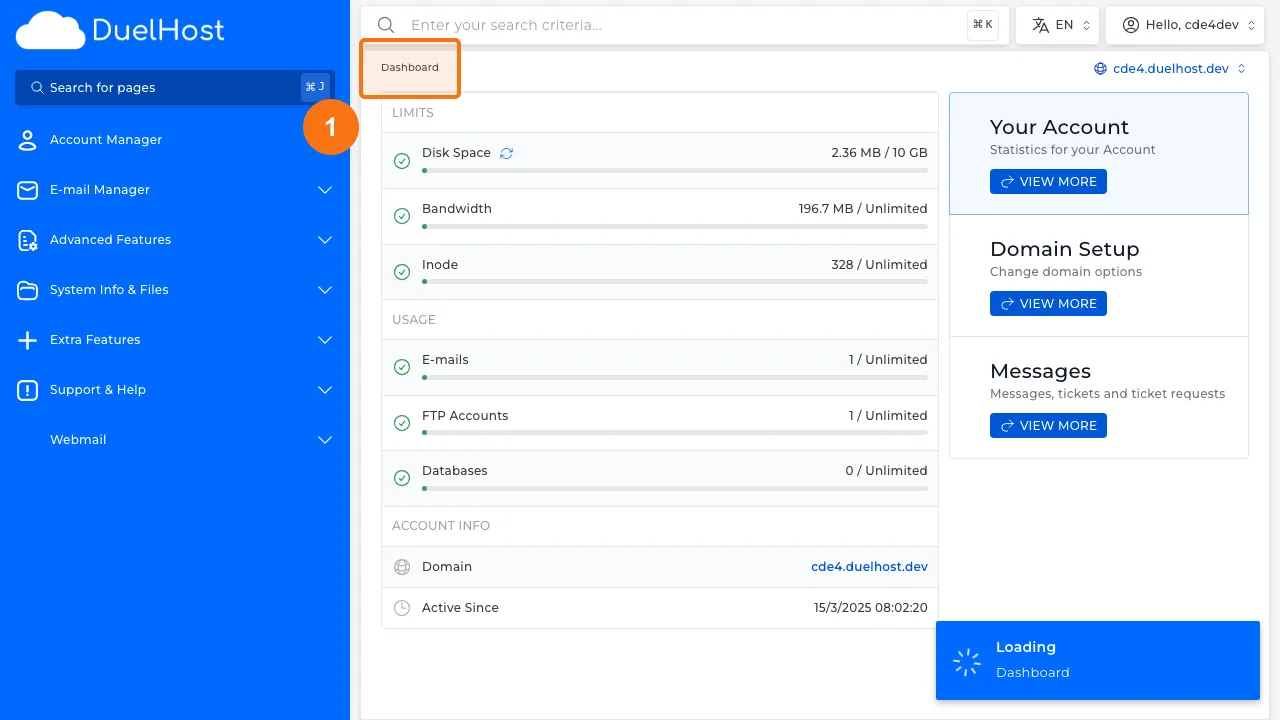
Step 2: Click “E-mail Manager” in the sidebar
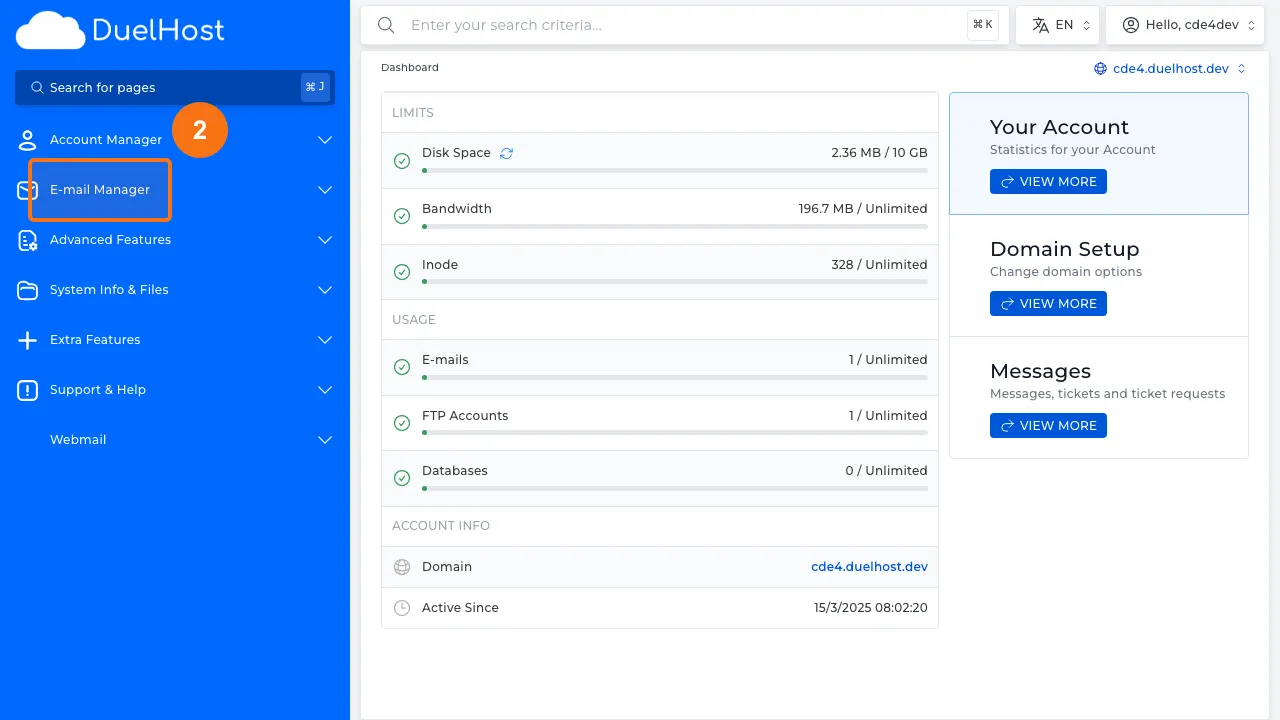
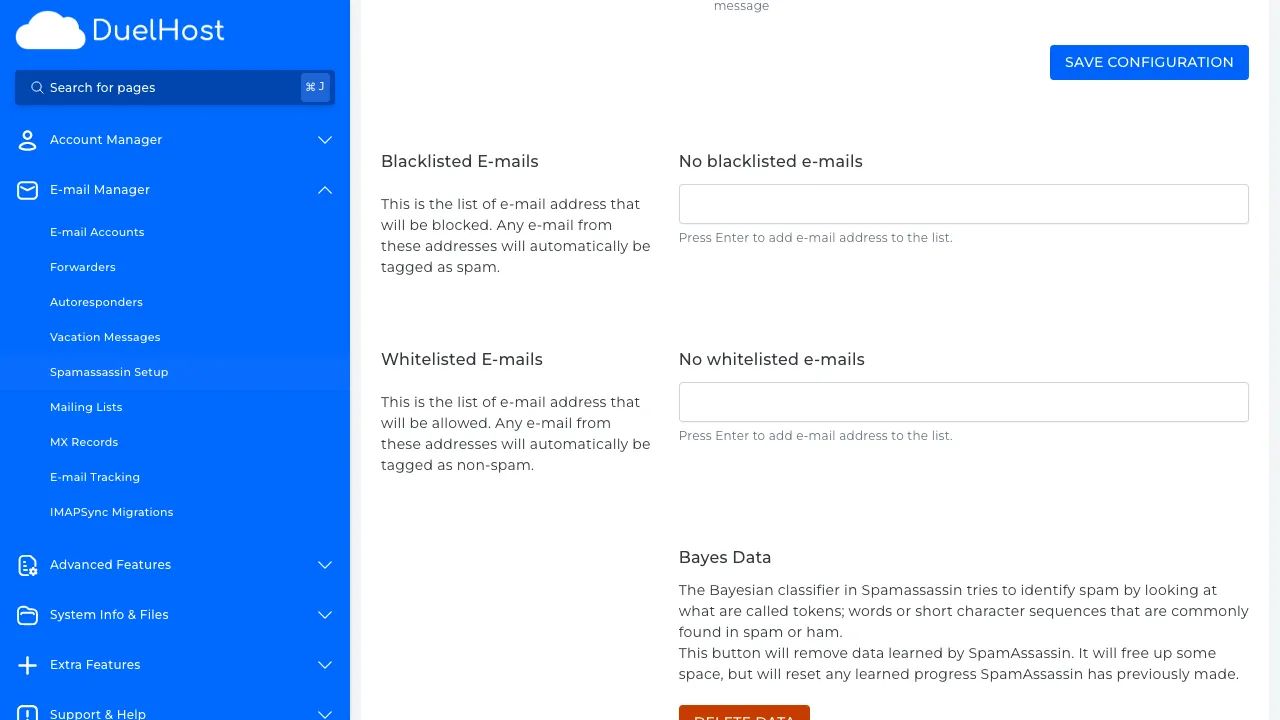
Step 3: Click “SpamAssassin Setup” to open the spam filter settings
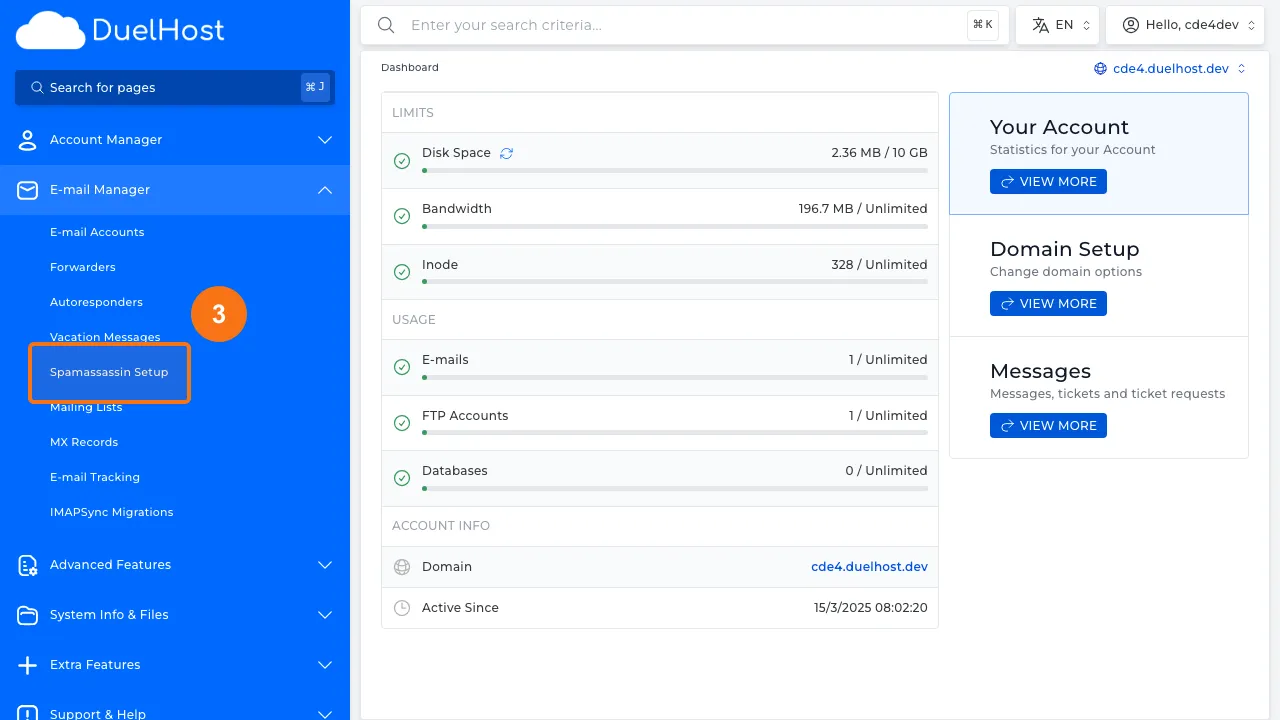
Step 4: View the SpamAssassin configuration — enable/disable the filter and adjust the spam score (lower = more aggressive)
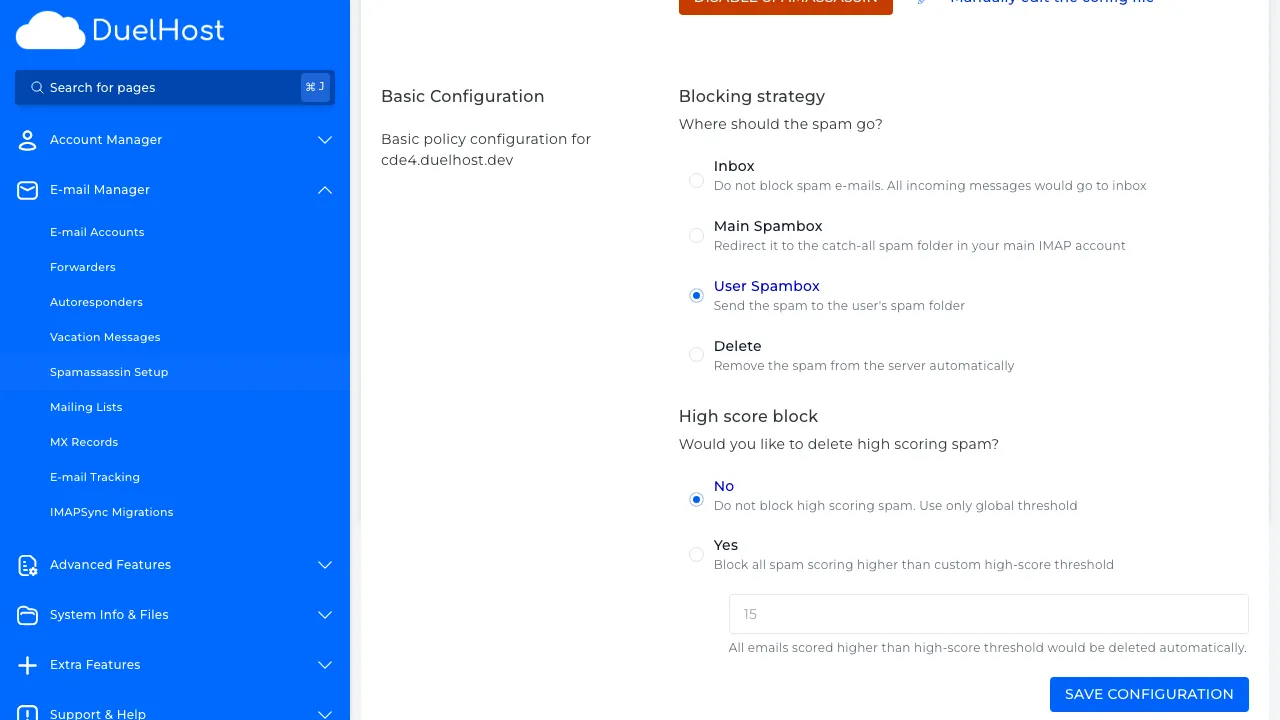
Step 5: Scroll down to view the whitelist and blacklist — here you can add senders that are always allowed or blocked
Tips and notes
- Start with the default spam score threshold and adjust it based on your experience
- A lower score is more aggressive (catches more spam but may have false positives)
- Check your spam folder regularly for legitimate emails that may have been misclassified
Need help?
If you run into any issues, our support team is ready to help. Contact us at support@duelhost.dk or through our contact form.
Del: