
· SSL & Security · 2 min read
How to troubleshoot SSL issues
Learn how to diagnose and fix common SSL certificate problems in DirectAdmin.
SSL issues can prevent your website from loading securely, display browser warnings, or cause mixed content errors. This guide walks you through the most common SSL problems and how to resolve them in DirectAdmin.
Prerequisite: You need an active web hosting plan with DuelHost.
Step-by-step guide
Step 1: Log in to DirectAdmin
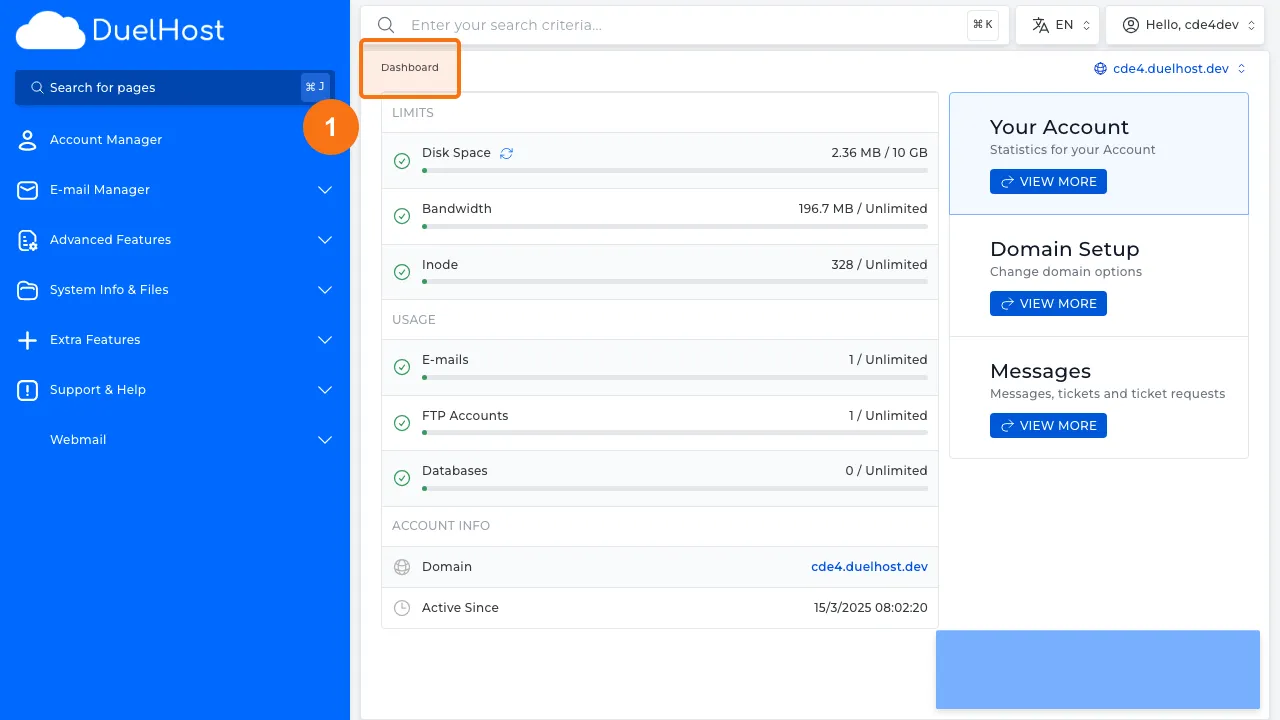
Step 2: Click “Account Manager” in the sidebar
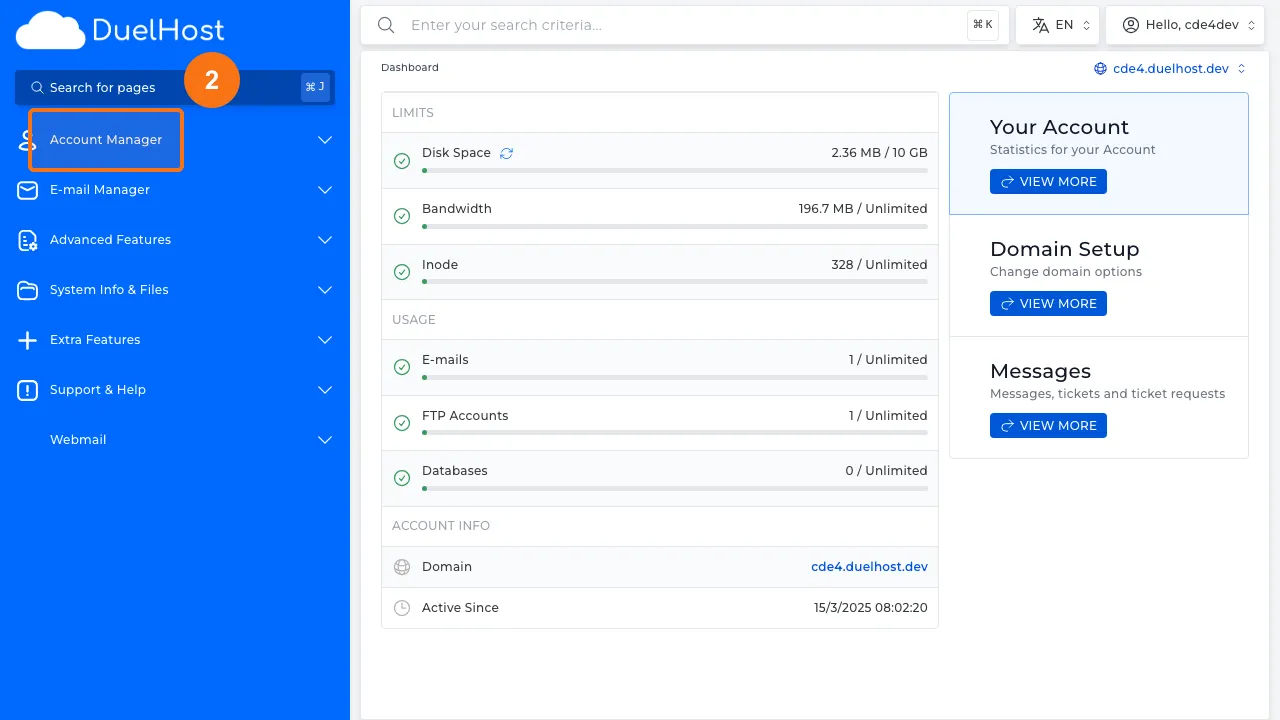
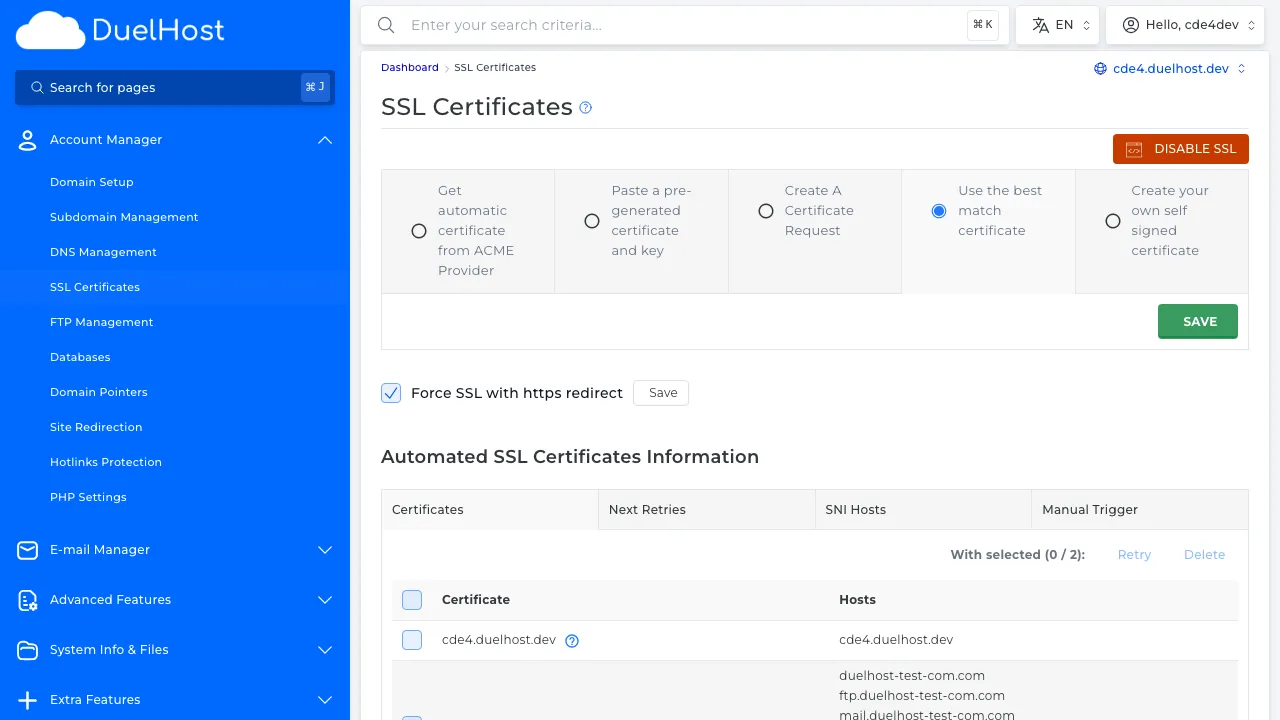
Step 3: Click “SSL Certificates” to check certificate status
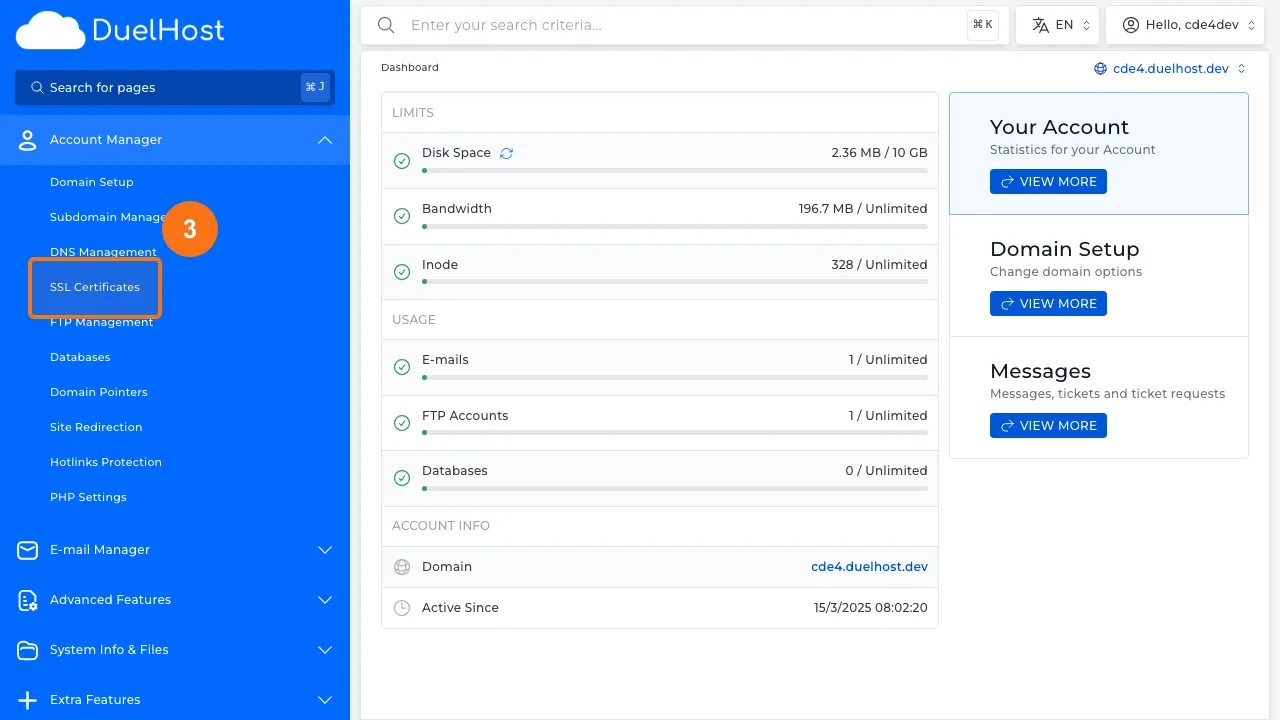
Step 4: View SSL certificate status and any errors
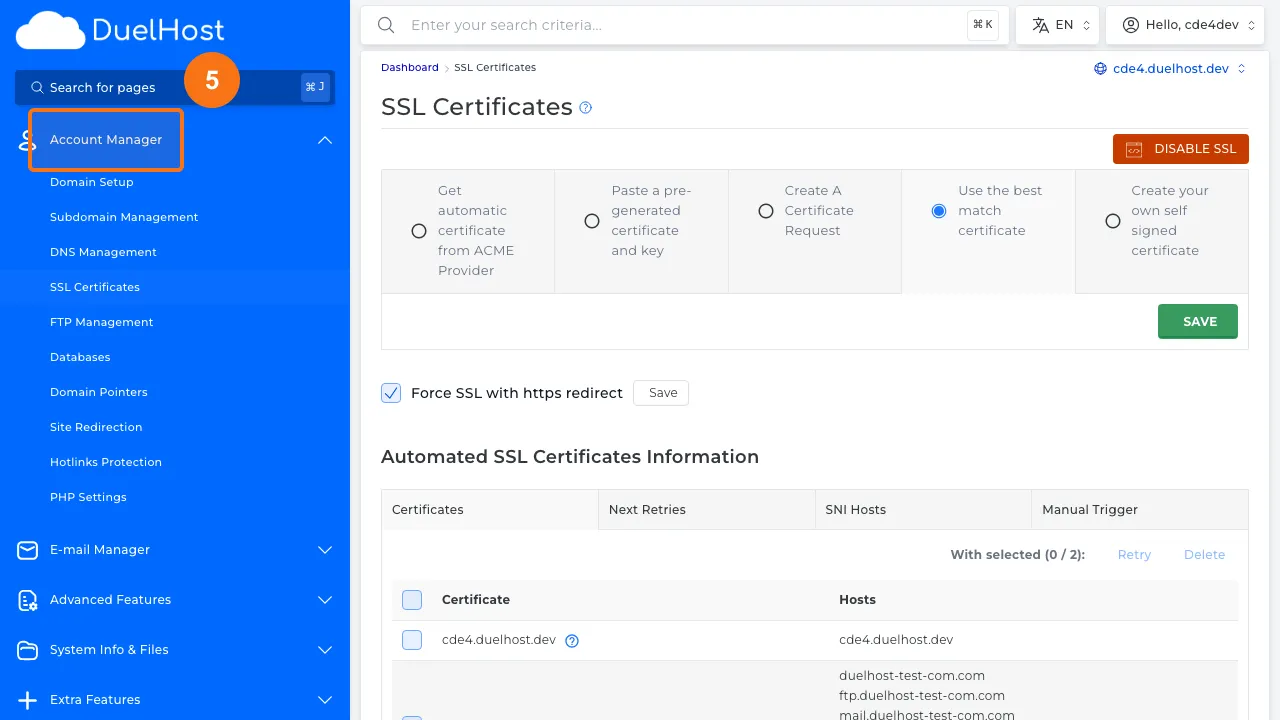
Step 5: Go back to “Account Manager” in the sidebar
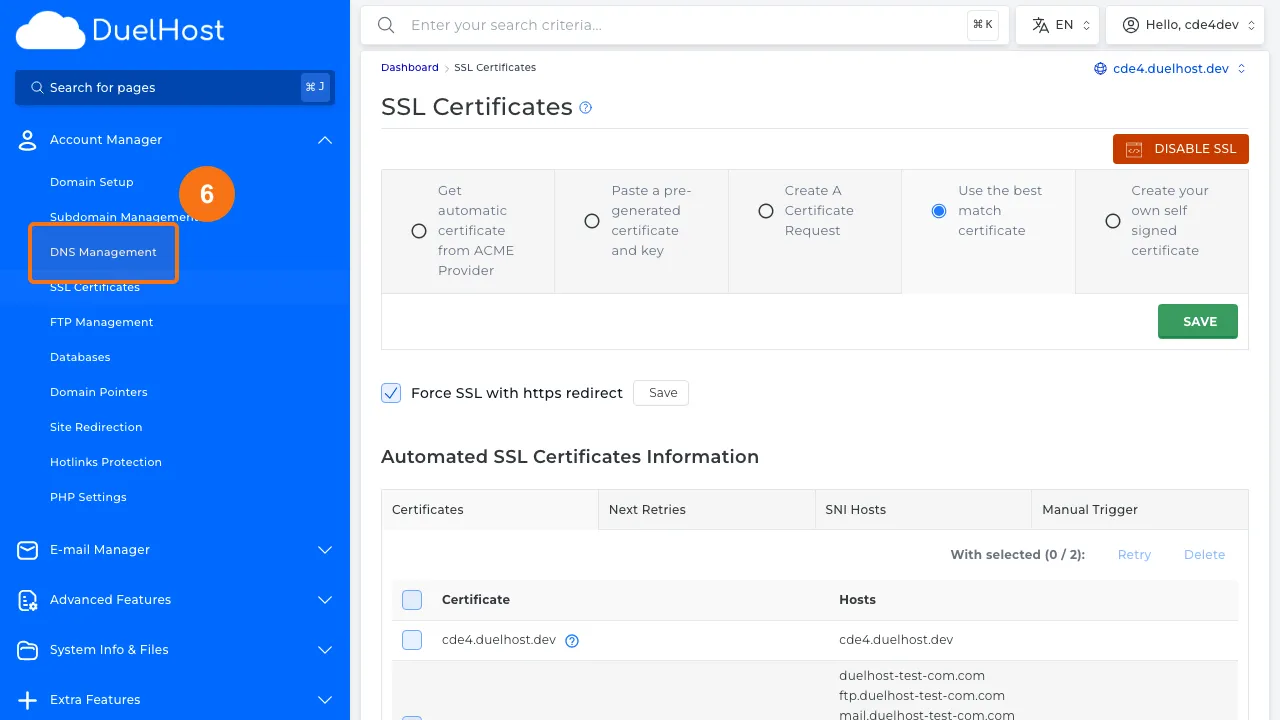
Step 6: Click “DNS Management” to check CAA and A records
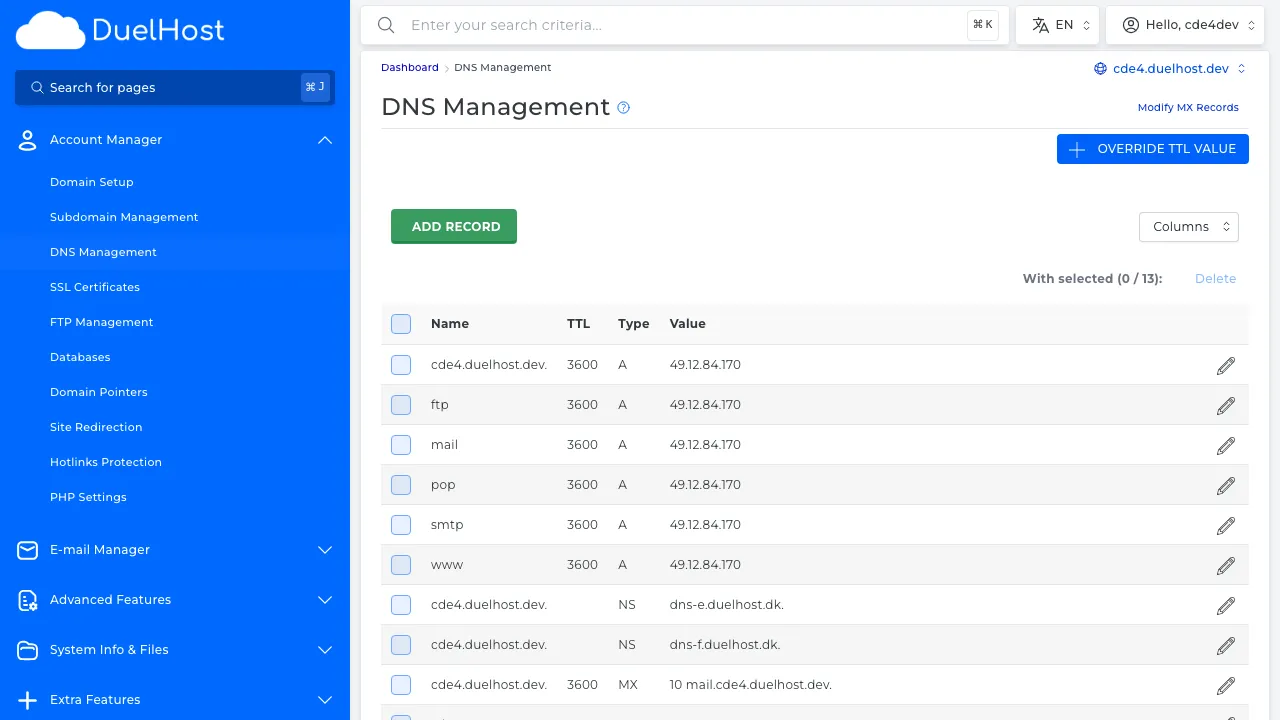
Step 7: View DNS records — verify that the A record and any CAA record are correct
Tips and notes
- Make sure your SSL certificate is not expired by checking its validity dates
- Mixed content errors occur when some resources load over HTTP instead of HTTPS
- If your SSL certificate fails to install, verify that your domain’s DNS is pointing to the correct server
- Try reissuing the certificate if problems persist after DNS verification
Need help?
If you run into any issues, our support team is ready to help. Contact us at support@duelhost.dk or through our contact form.
Del: