
· DNS & Domains · 1 min read
How to create a subdomain
Learn how to create a subdomain in DirectAdmin to host a separate section of your website.
Subdomains let you create separate sections of your website under your main domain, such as blog.example.com or shop.example.com. They are useful for organizing different parts of your site or running separate applications.
Prerequisite: You need an active web hosting plan with DuelHost.
Step-by-step guide
Step 1: Log in to DirectAdmin
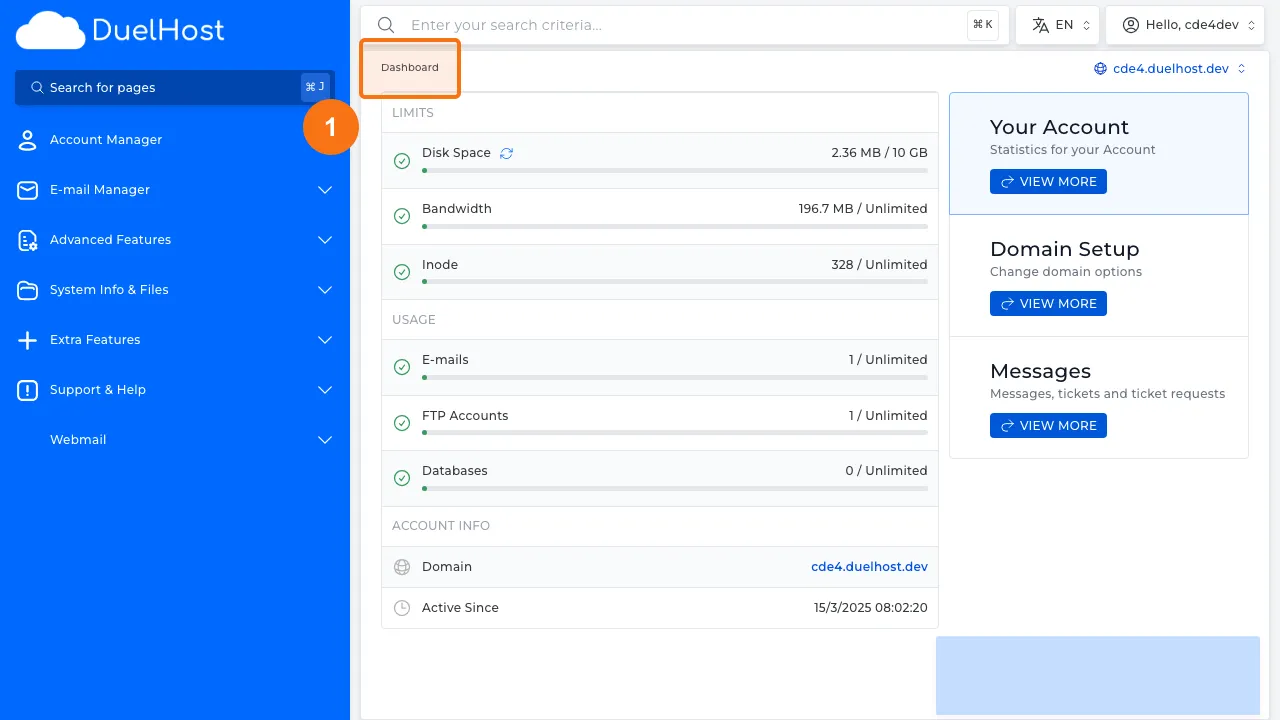
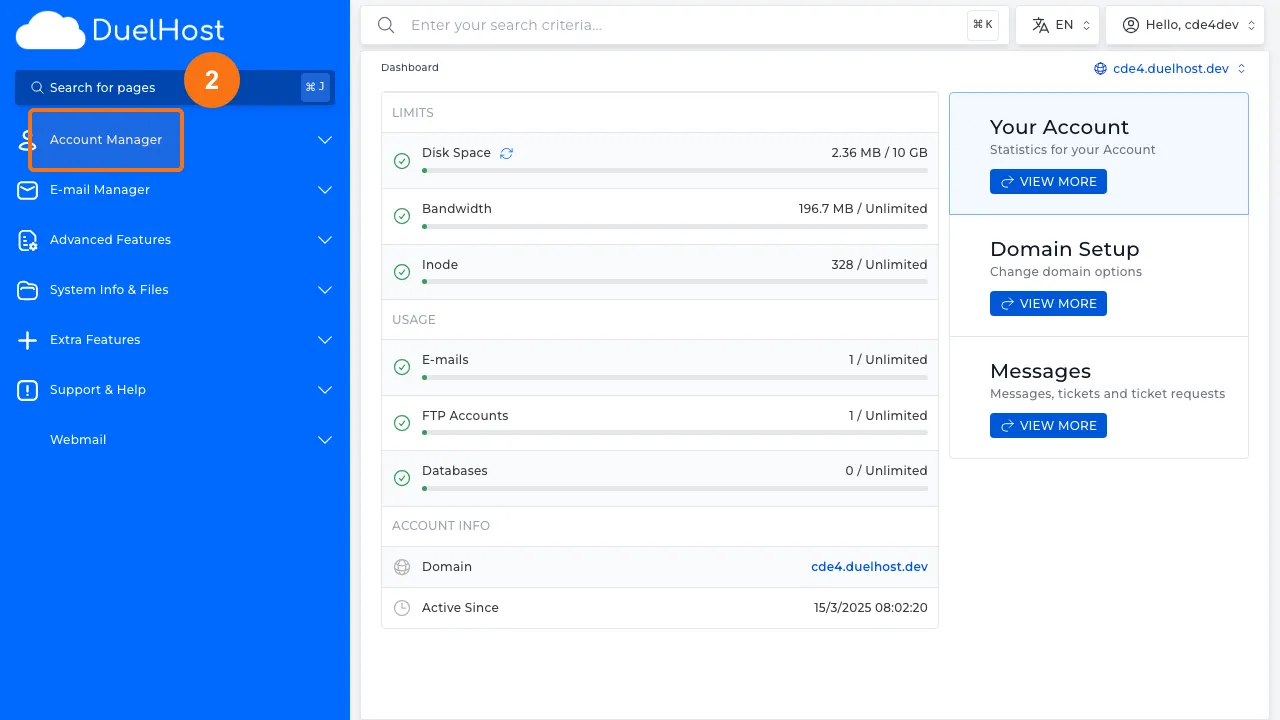
Step 2: Click “Account Manager” in the sidebar
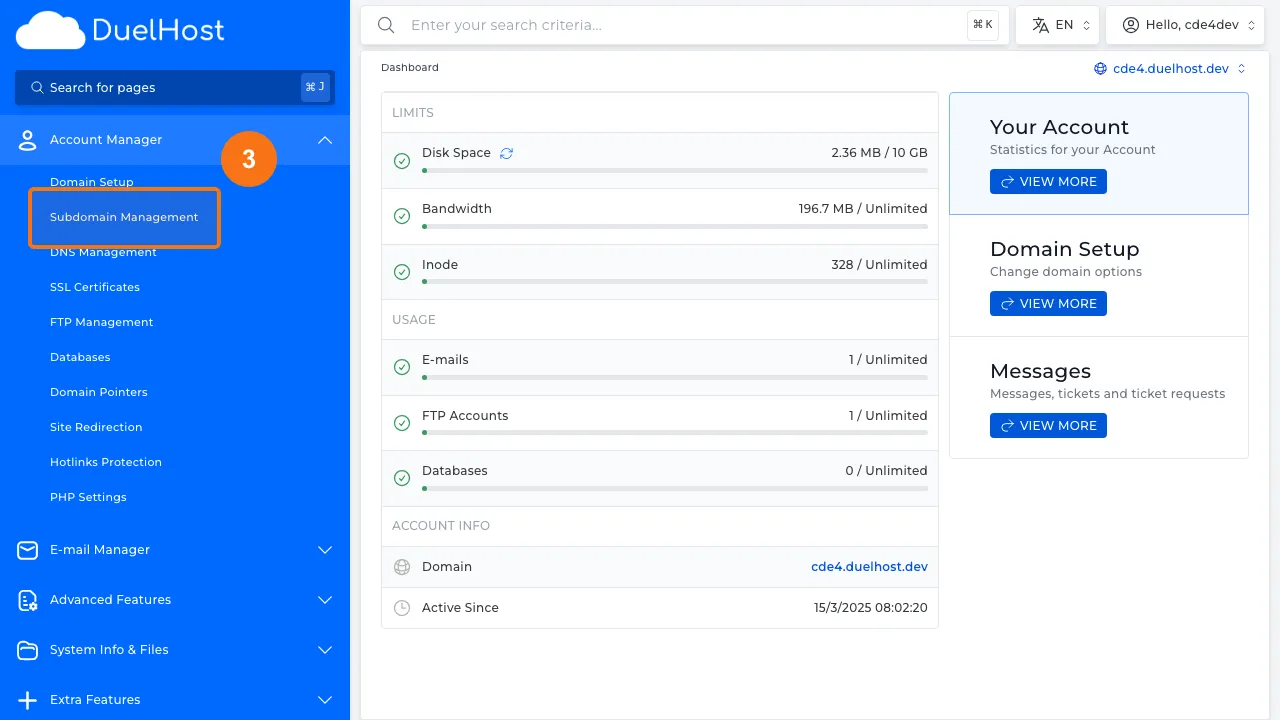
Step 3: Click “Subdomain Management” to manage subdomains
Step 4: View the subdomain overview
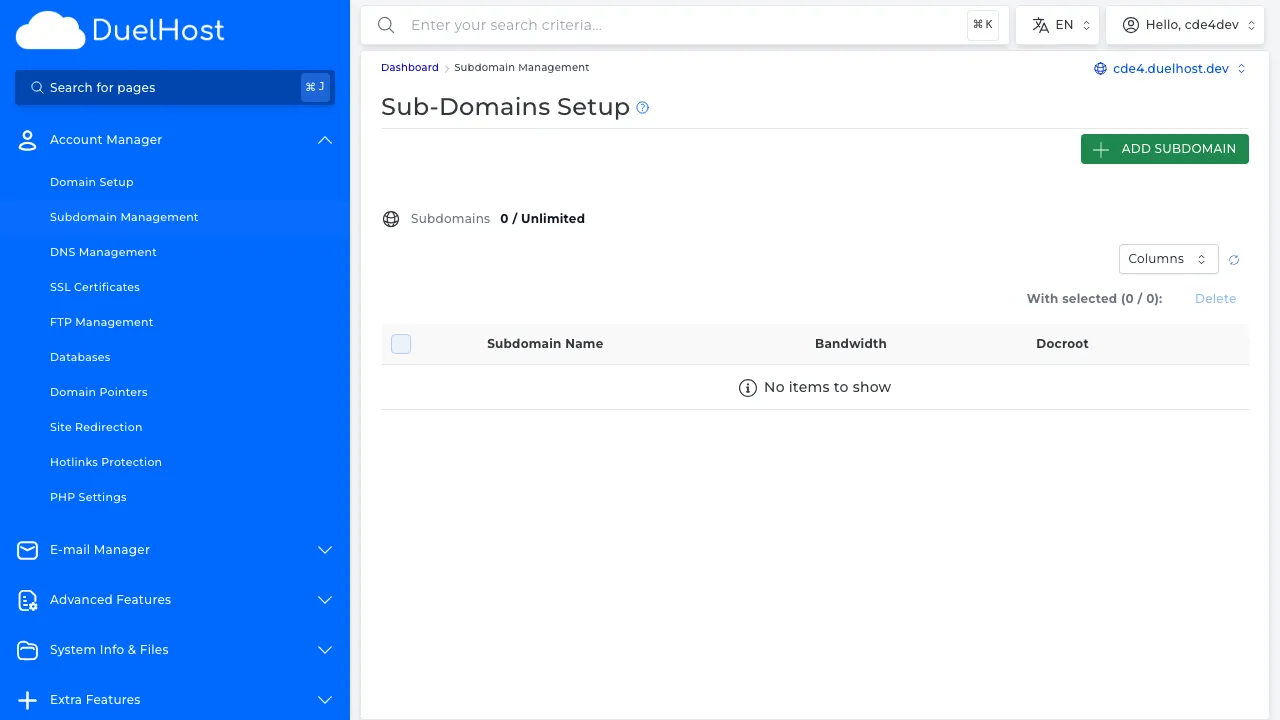
Step 5: View the subdomain creation form
Tips and notes
- Subdomains are created instantly and do not require additional DNS setup if your domain is already on DuelHost
- Each subdomain gets its own directory inside public_html
- You can install separate applications (like WordPress) on each subdomain
Need help?
If you run into any issues, our support team is ready to help. Contact us at support@duelhost.dk or through our contact form.
Del: