
· Email · 1 min read
How to access webmail
Learn how to access your email through the webmail interface in DirectAdmin using Roundcube.

Webmail lets you read and send emails directly from your browser without needing an email client. DirectAdmin provides access to Roundcube, a user-friendly webmail application.
Prerequisite: You need an active web hosting plan with DuelHost.
Step-by-step guide
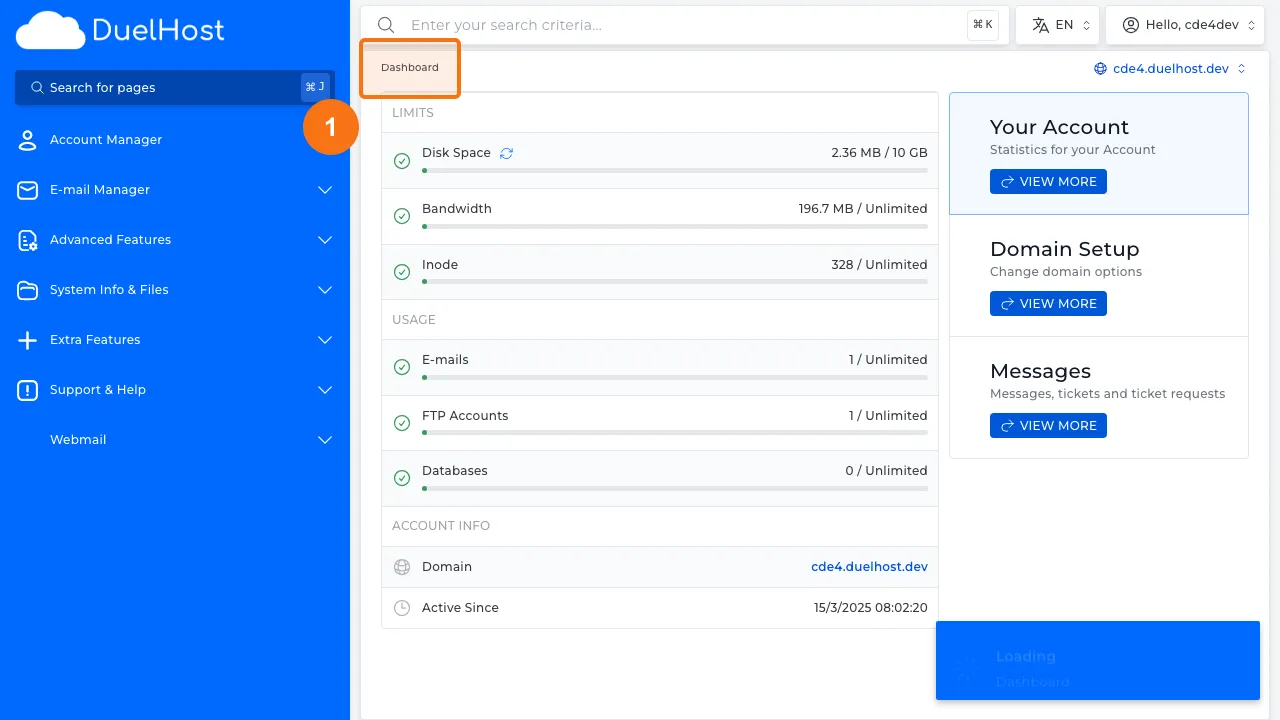
Step 1: Log in to DirectAdmin
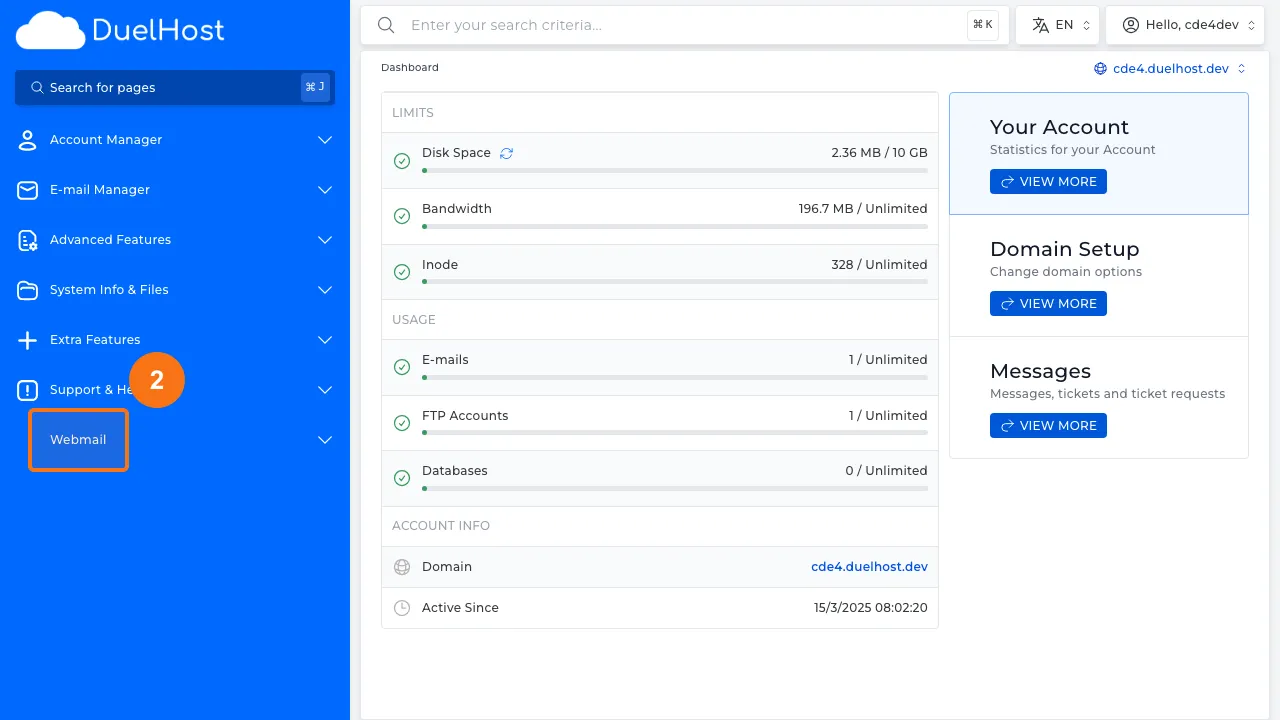
Step 2: Click “Webmail” in the sidebar
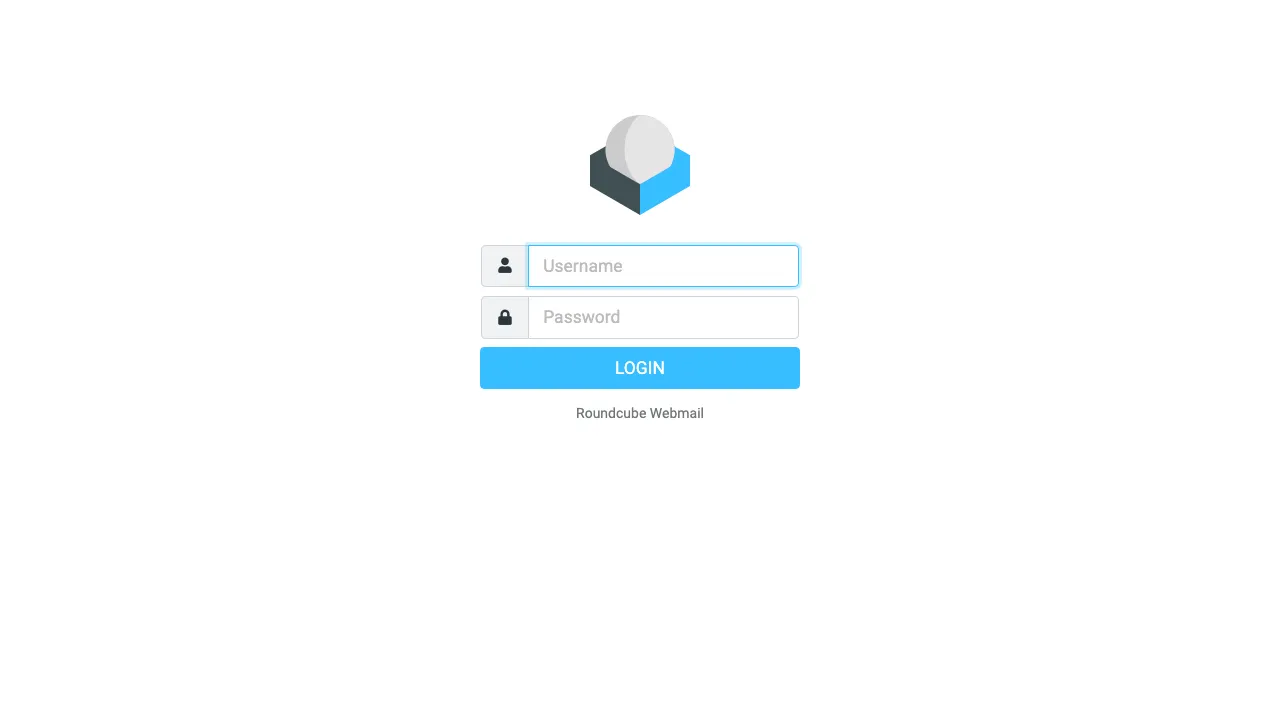
Step 3: Open Roundcube webmail
Tips and notes
- Webmail is great for checking emails when you are away from your main computer
- Roundcube supports folders, filters, and contact management
- For everyday use, consider also setting up your email in a desktop or mobile client
Need help?
If you run into any issues, our support team is ready to help. Contact us at support@duelhost.dk or through our contact form.
Del: