
· WordPress · 2 min read
How to fix common WordPress errors
Learn how to diagnose and fix the most common WordPress errors, including the white screen of death and database connection errors.
WordPress errors can range from a blank white screen to database connection failures. Most of these issues have well-known solutions. This guide walks you through identifying the problem and applying the right fix.
Prerequisite: You need an active web hosting plan with DuelHost.
Step-by-step guide
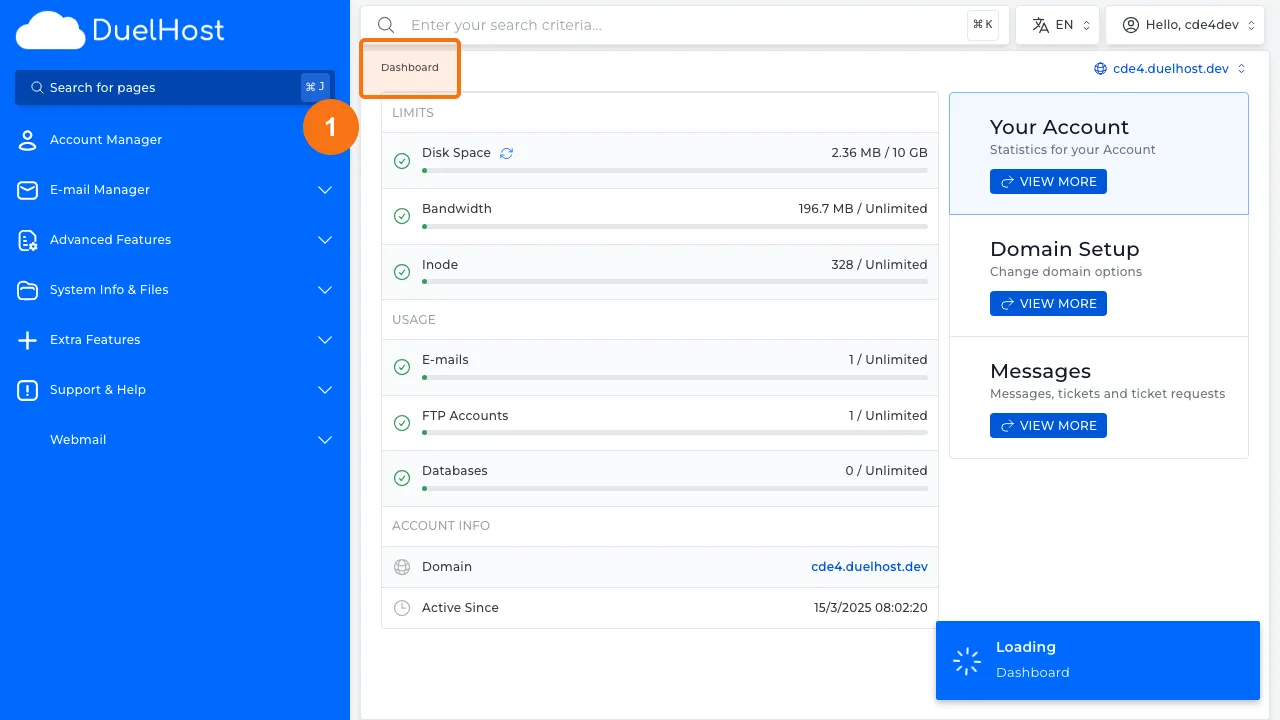
Step 1: Log in to DirectAdmin
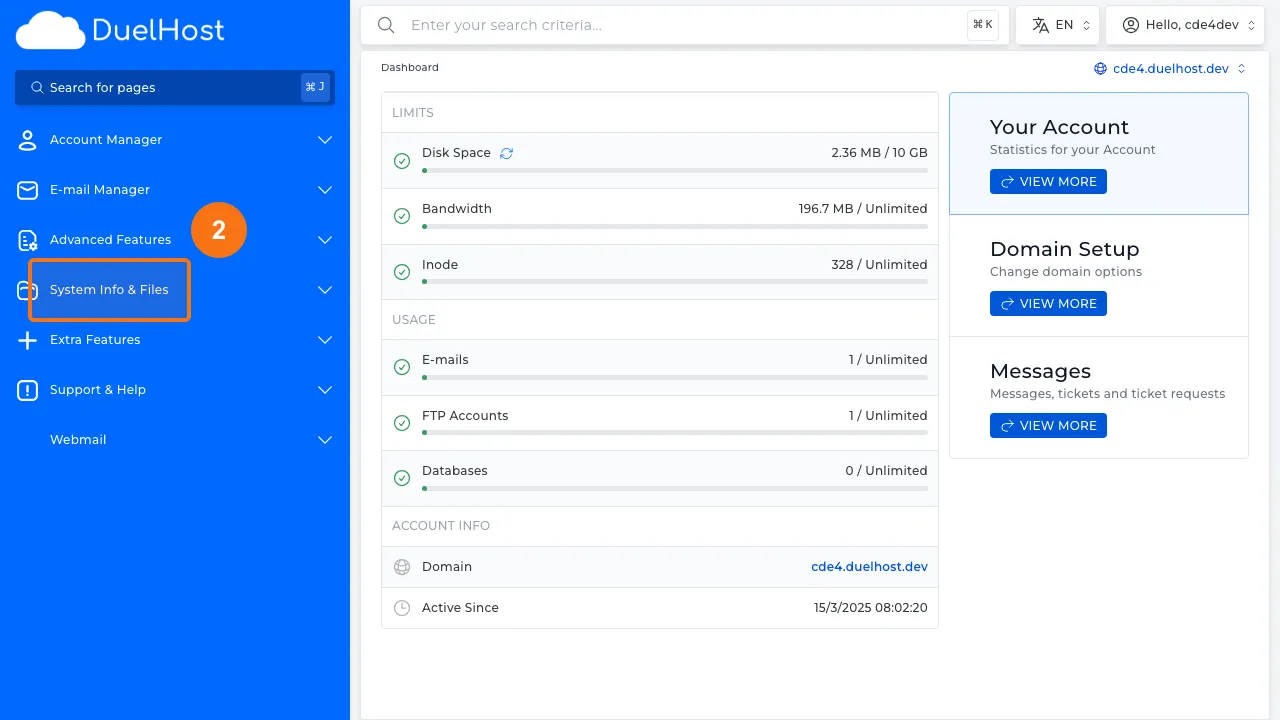
Step 2: Click “System Info & Files” in the sidebar
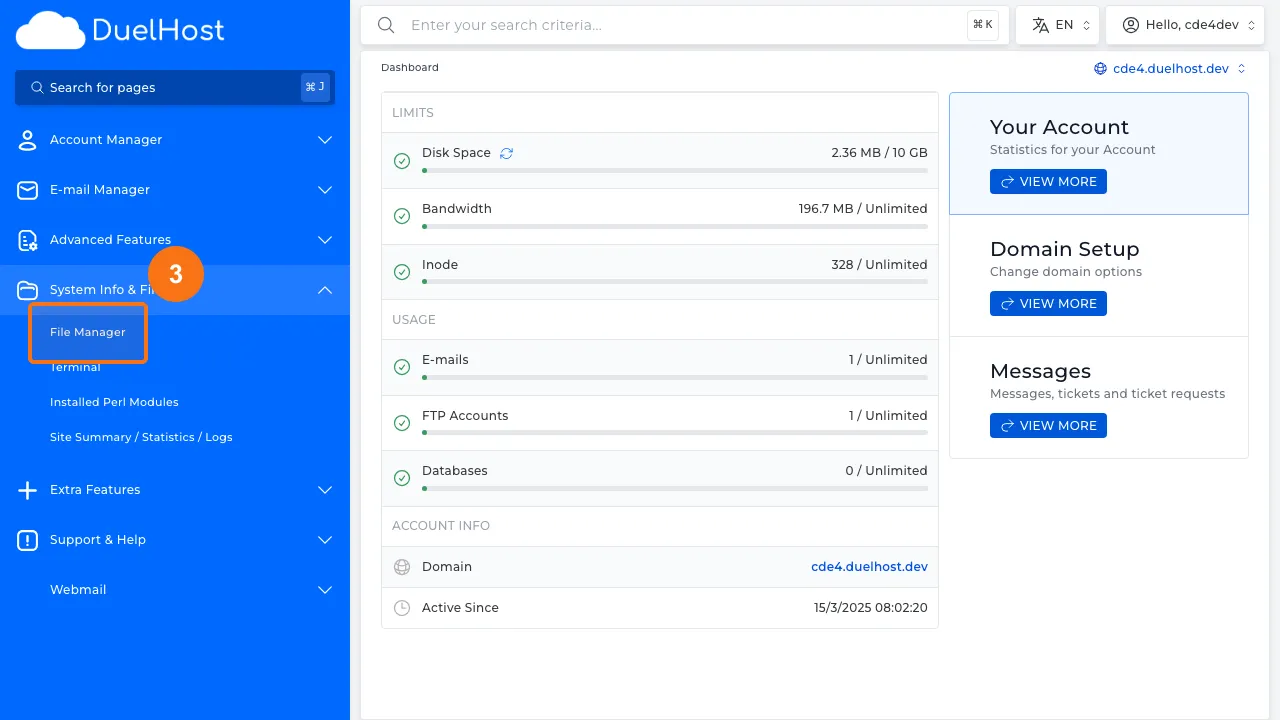
Step 3: Click “File Manager” to inspect WordPress files
Step 4: View File Manager — here you can check wp-config.php and .htaccess
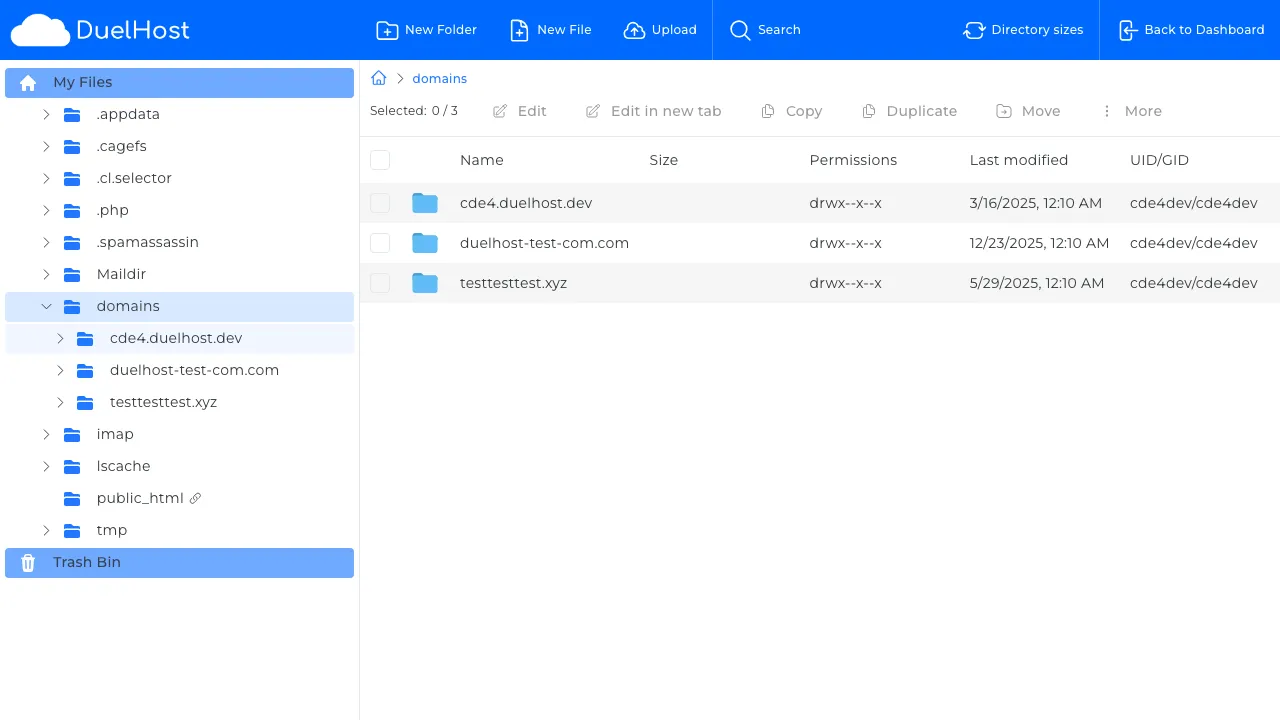
Step 5: Go back to the DirectAdmin Dashboard
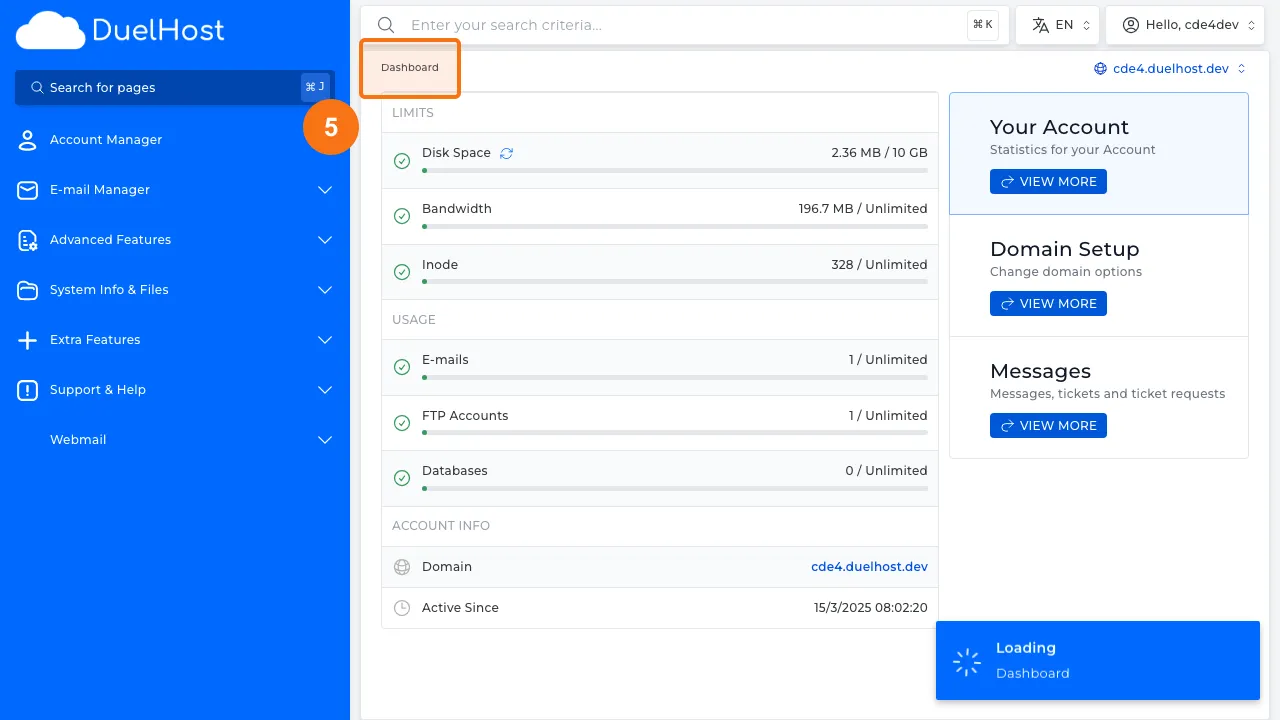
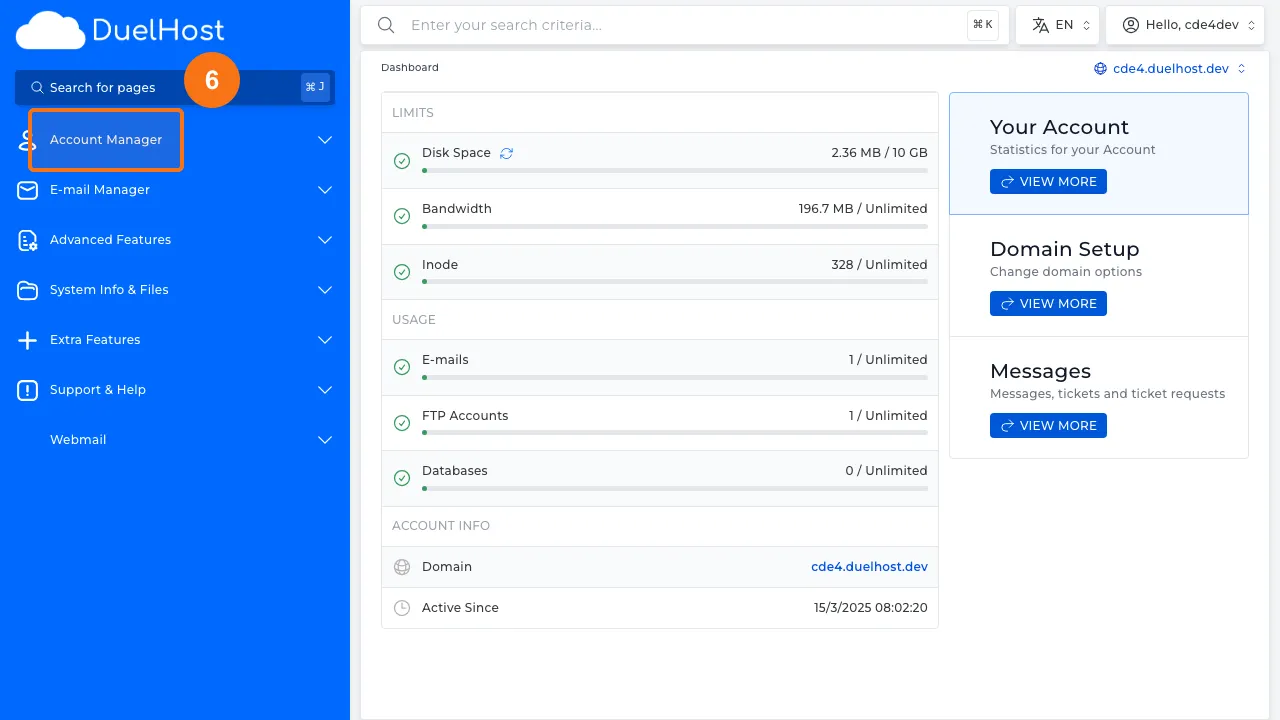
Step 6: Click “Account Manager” in the sidebar
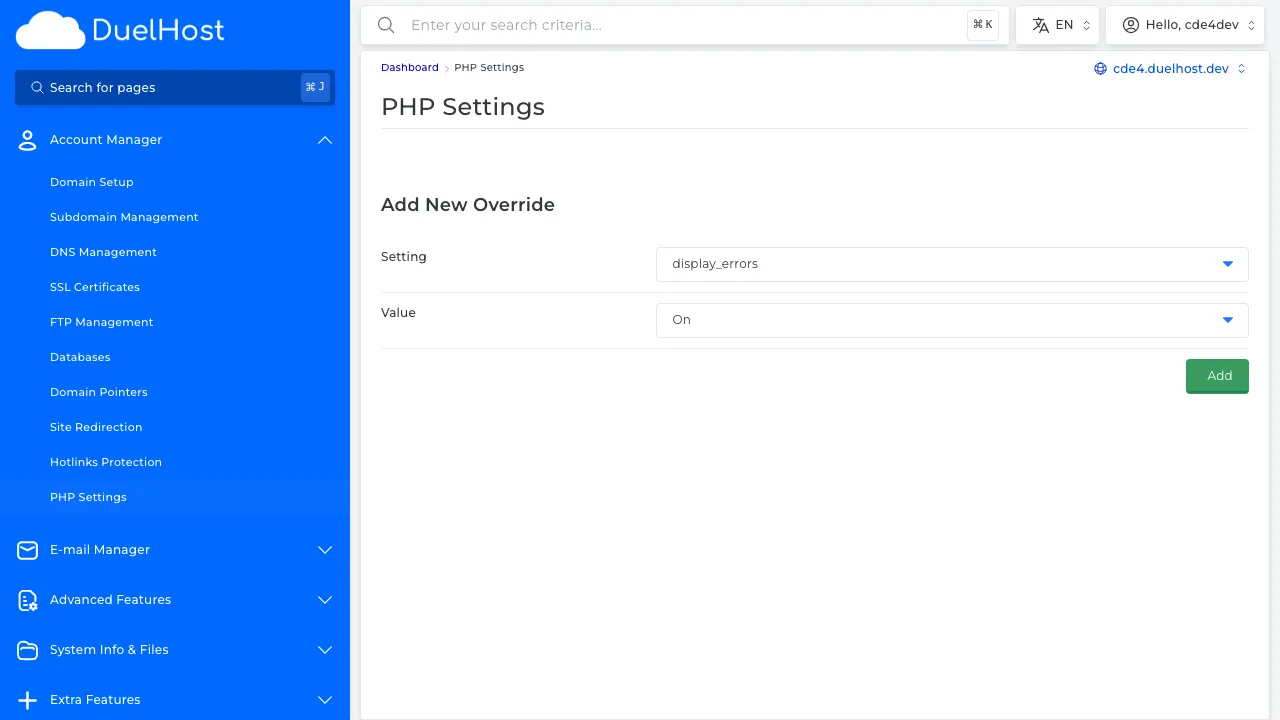
Step 7: Click “PHP Settings” to check PHP configuration
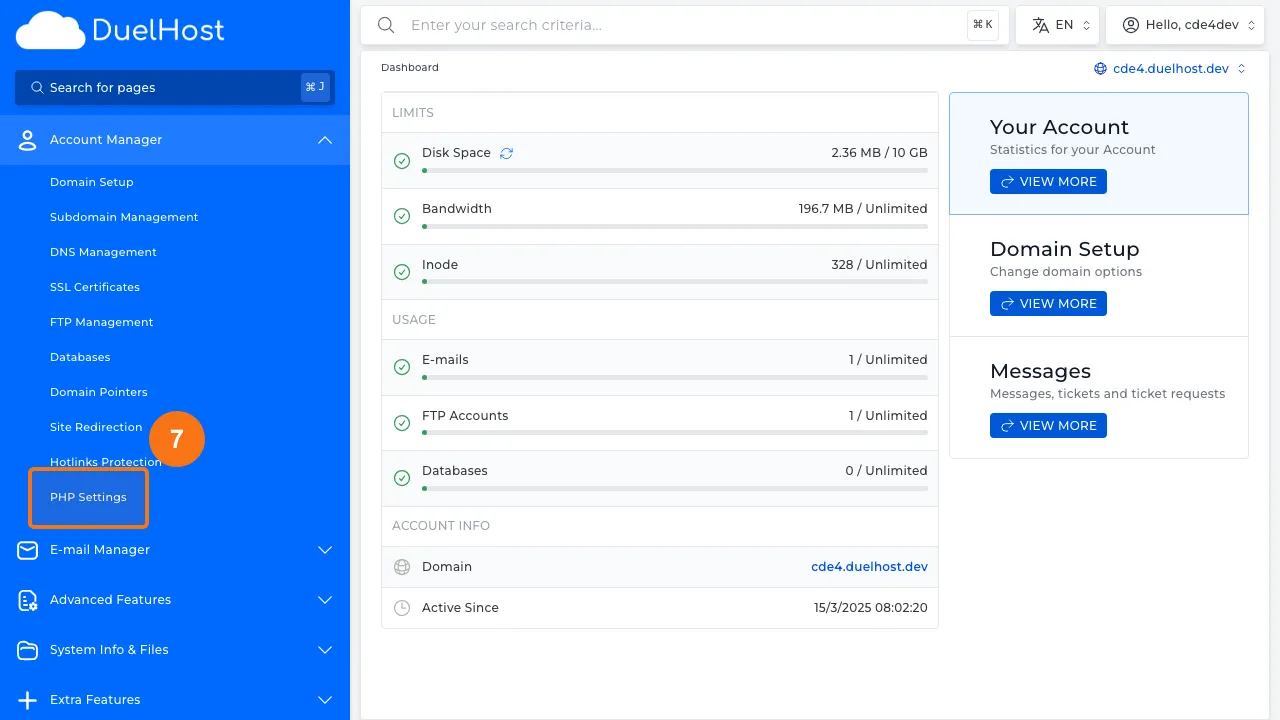
Step 8: View PHP settings — here you can add overrides for memory_limit, max_execution_time, and upload_max_filesize
Tips and notes
- Enable WordPress debug mode (WP_DEBUG) to see detailed error messages
- Deactivate all plugins to check if a plugin conflict is causing the error
- Switch to a default theme (like Twenty Twenty-Four) to rule out theme issues
- Always keep a recent backup so you can restore your site if needed
Need help?
If you run into any issues, our support team is ready to help. Contact us at support@duelhost.dk or through our contact form.