
· WordPress · 1 min read
How to update WordPress safely
Learn how to safely update WordPress core, themes, and plugins to keep your site secure and running smoothly.
Keeping WordPress updated is one of the most important things you can do for your website’s security and performance. This guide shows you how to update safely, so you minimize the risk of breaking anything.
Prerequisite: You need an active web hosting plan with DuelHost.
Step-by-step guide
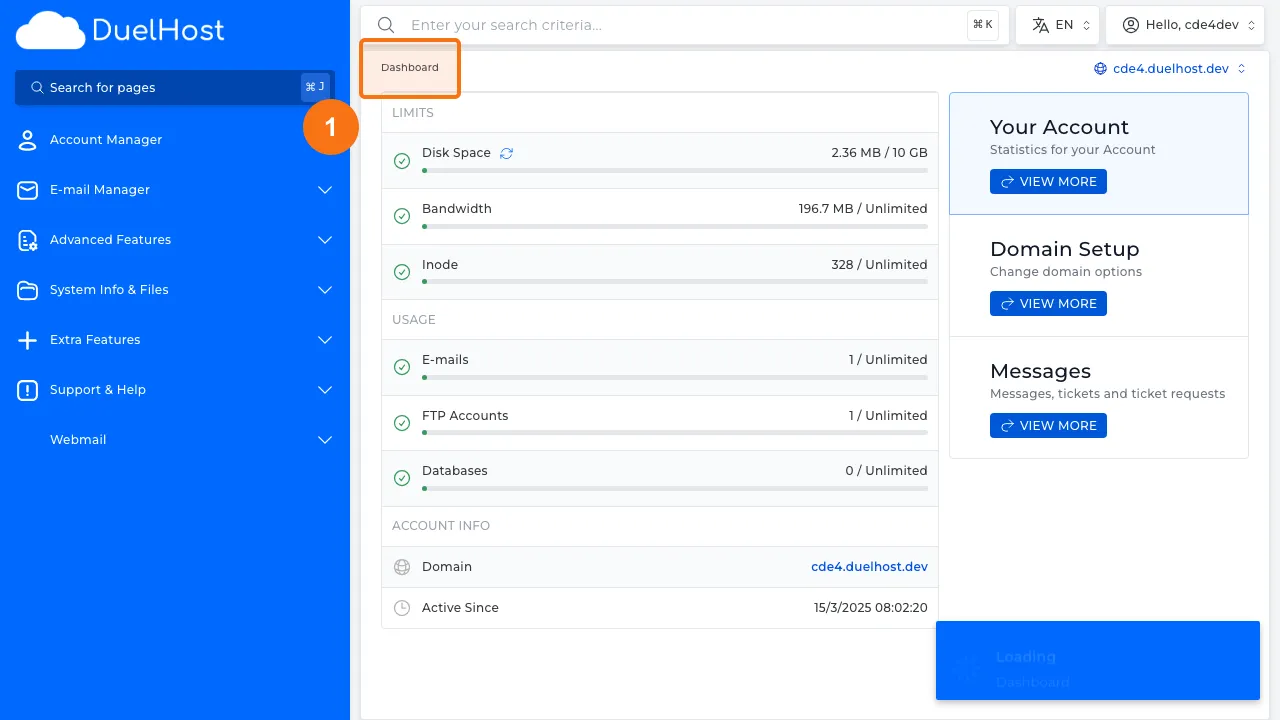
Step 1: Log in to DirectAdmin
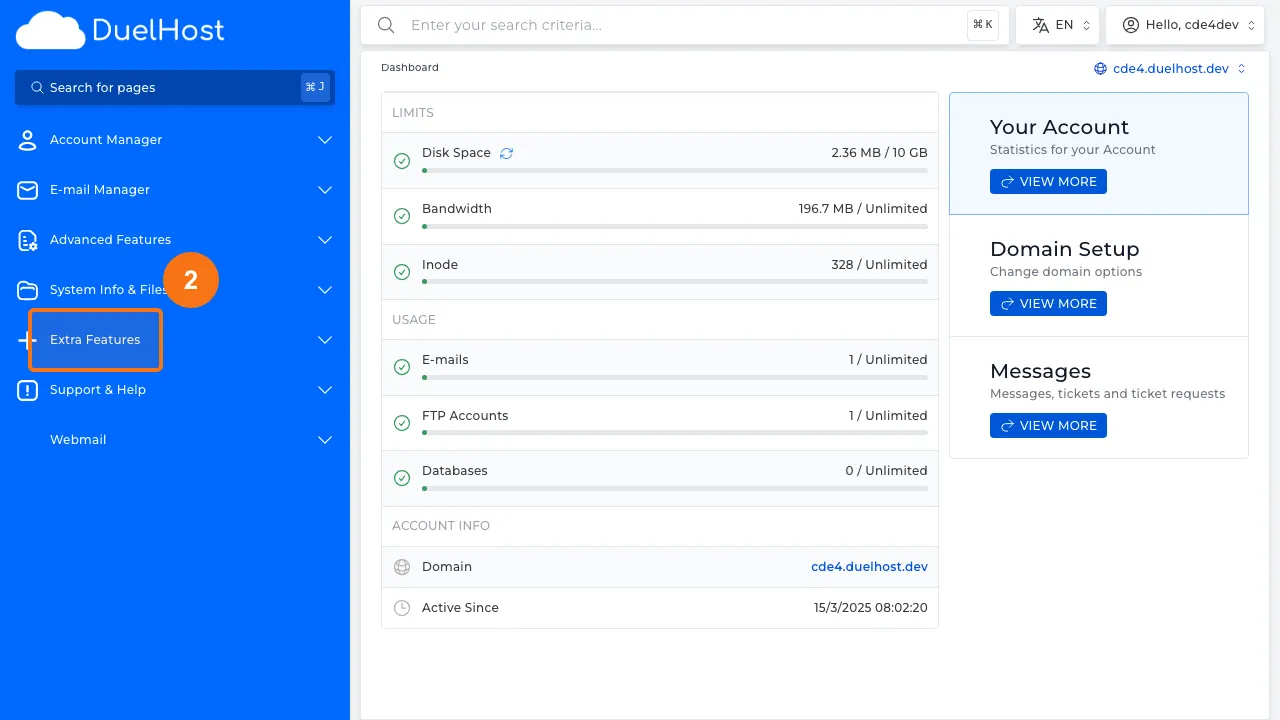
Step 2: Click “Extra Features” in the sidebar
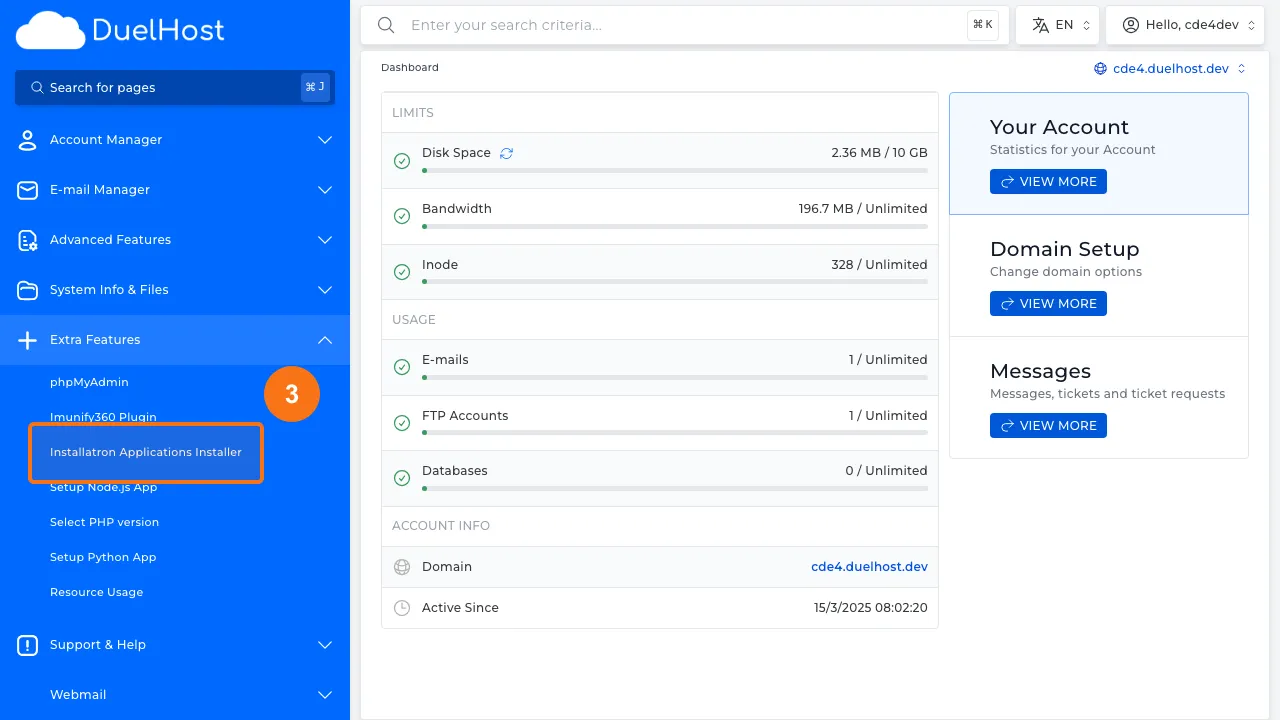
Step 3: Click “Installatron Applications Installer”
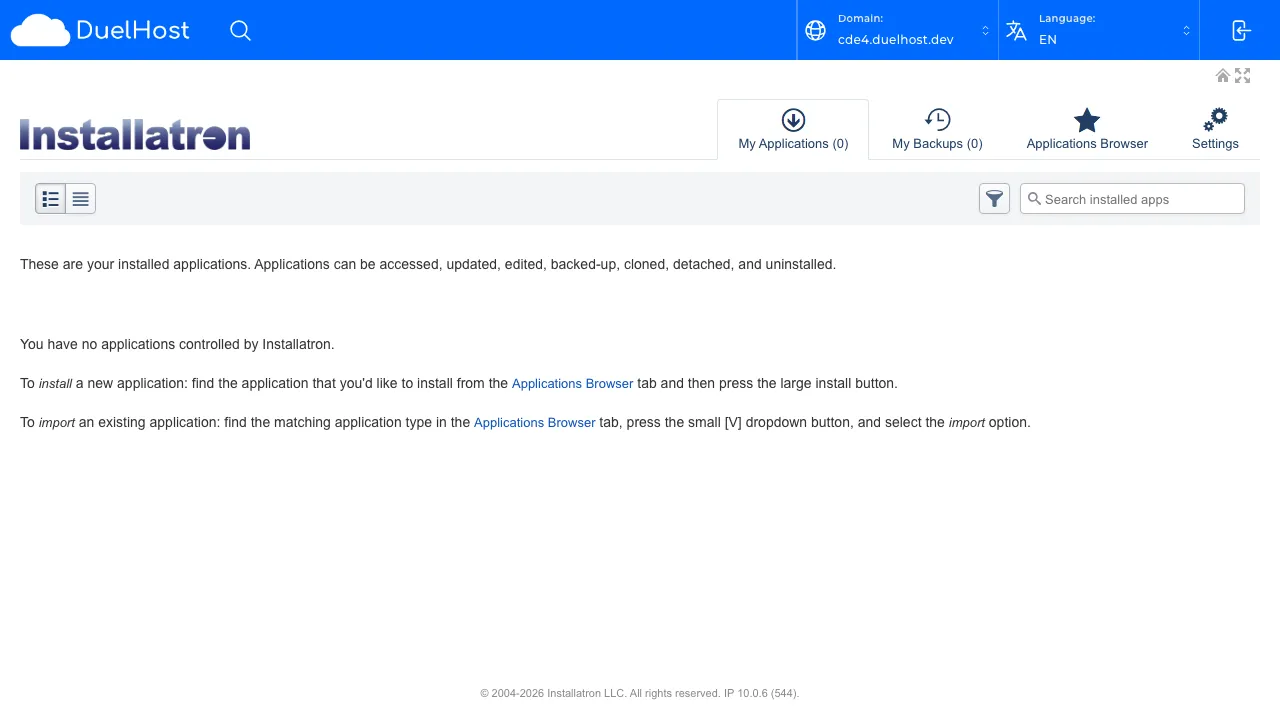
Step 4: View “My Applications” with your installed applications
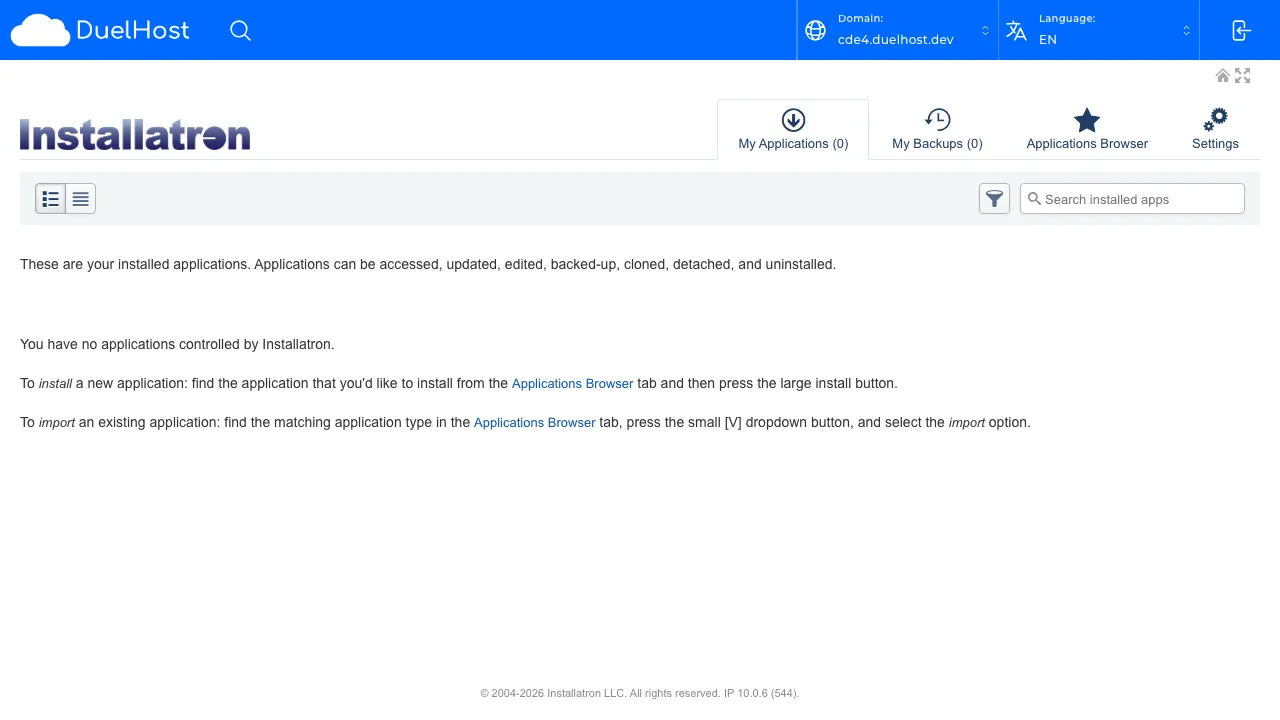
Step 5: View installed apps — check if updates are available
Tips and notes
- Always create a full backup before updating WordPress, themes, or plugins
- Update one thing at a time and test your site after each update
- If an update breaks your site, restore from your backup and investigate the issue
- Enable automatic updates for minor WordPress releases to stay protected
Need help?
If you run into any issues, our support team is ready to help. Contact us at support@duelhost.dk or through our contact form.